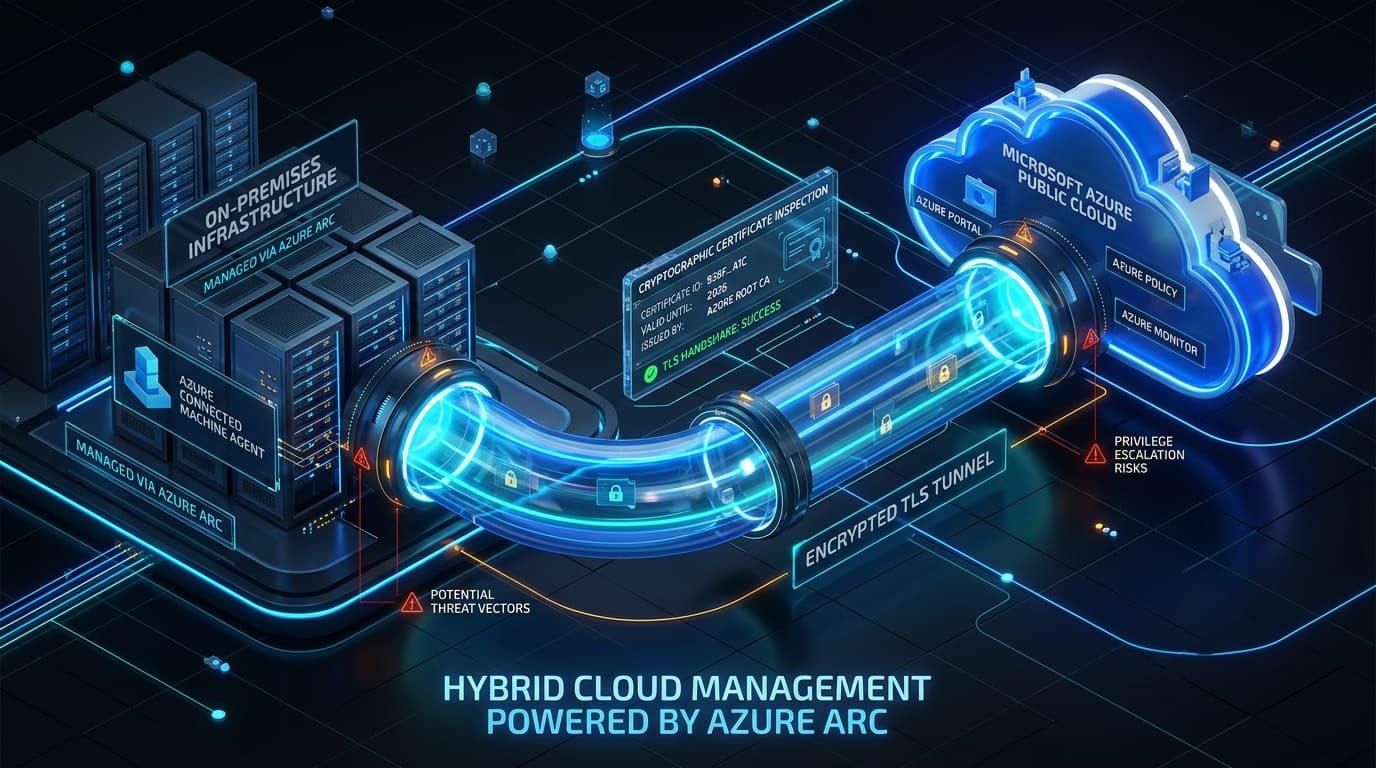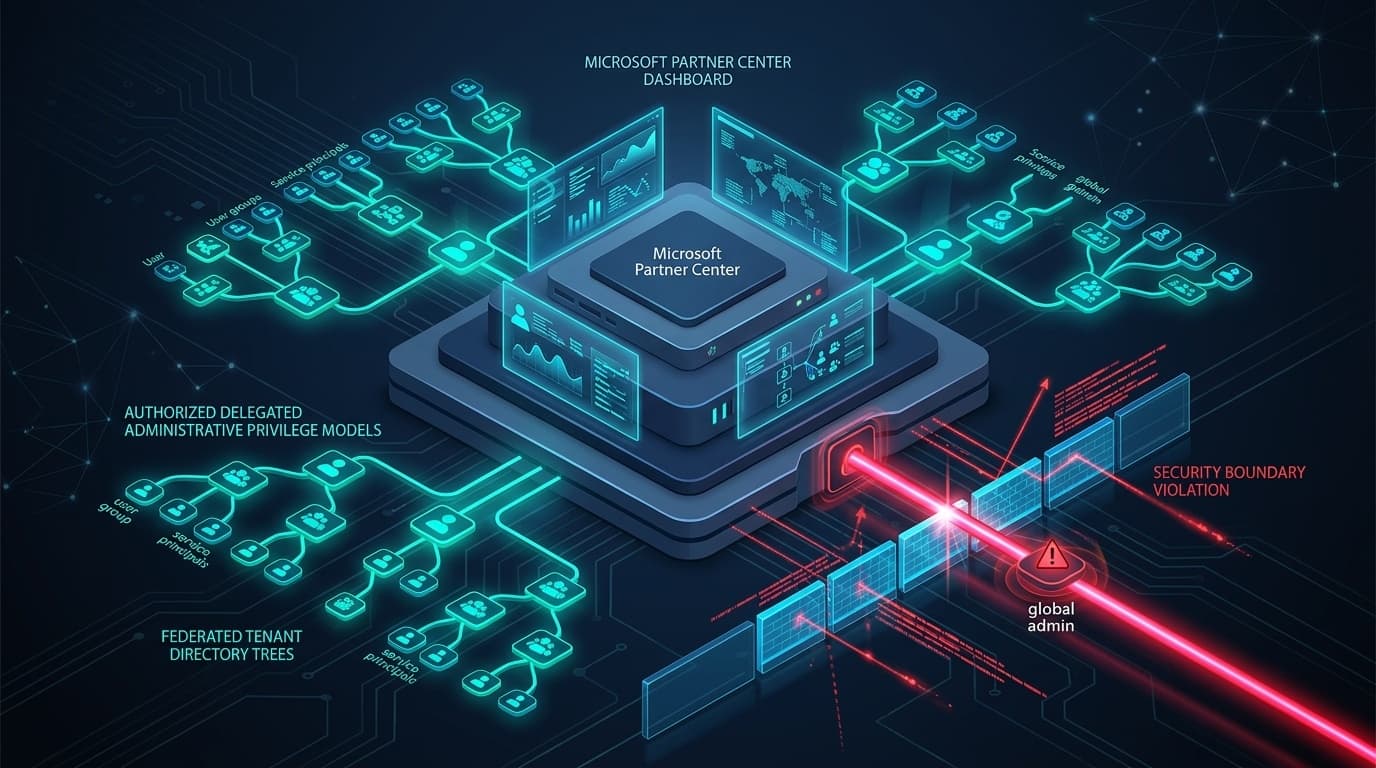
The Microsoft Security Response Center (MSRC) has remediated CVE-2026-83711 (CVSS score 8.8, High), an elevation of privilege vulnerability in the Azure Connected Machine Agent. The flaw allows local non-administrative users on Arc-enabled hybrid servers to bypass challenge verification mechanisms within the Hybrid Instance Metadata Service (HIMDS), extract Azure Managed Identity bearer tokens, and achieve full administrative control over both the local host and connected Azure cloud subscriptions.
Executive Threat Summary & Exploit Landscape
Azure Arc allows enterprises to project non-Azure virtual machines and on-premises physical servers into Azure Resource Manager (ARM). The core runtime responsible for maintaining this hybrid control plane is the Azure Connected Machine Agent (azcmagent). To grant the local host access to Azure resources (such as Azure Key Vault, Azure Monitor, and Azure Automation), the agent provides an emulated Instance Metadata Service on loopback port 40342.
Because HIMDS issues powerful OAuth2 access tokens associated with the server's Managed Identity, access to this local endpoint is intended to be guarded by a challenge-response authorization file restricted to administrative users. Under CVE-2026-83711, a logic vulnerability in the Windows and Linux authentication validation code allowed unprivileged users to force token issuance, turning a standard local shell into full Azure cloud infrastructure compromise.
Vulnerability Mechanics & Technical Root Cause (CWE-287, CWE-269)
When an application running on an Arc-enabled server requests a Managed Identity token, it issues a GET request to http://localhost:40342/metadata/identity/oauth2/token. The HIMDS daemon returns a 401 Unauthorized status accompanied by a Www-Authenticate header indicating the path to a challenge file (e.g., %ProgramData%AzureConnectedMachineAgentTokenschallenge.key on Windows, or /var/opt/azcmagent/tokens/challenge.key on Linux).
/* Normal HIMDS Authentication Flow */
GET /metadata/identity/oauth2/token?api-version=2020-06-01&resource=https://management.azure.com/ HTTP/1.1
Host: localhost:40342
Metadata: true

/* Vulnerability: Insecure Shared File Permissions & Path Traversal Handling */
HTTP/1.1 401 Unauthorized
Www-Authenticate: Basic realm=/var/opt/azcmagent/tokens/challenge.key
Due to a file-system race condition and symlink following flaw within the HIMDS token service, the daemon evaluated challenge verification headers against user-writable temporary directories when alternative path prefixes were supplied. An attacker with standard command-line access could point the challenge validator to an arbitrary world-readable token file, satisfy the authorization challenge, and obtain a high-privilege Azure Resource Manager bearer token.
Vulnerable Software Versions & Patch Status Matrix
| Operating System | Vulnerable Agent Versions | Patched Agent Version | Remediation Priority |
|---|---|---|---|
| Windows Server 2016 / 2019 / 2022 / 2025 | azcmagent < 1.48.0 (Build 1.48.02641.120) | Version 1.48.0 or later | Immediate Critical |
| RHEL / Rocky / AlmaLinux / CentOS | azcmagent < 1.48.0 | Version 1.48.0 or later | Immediate Critical |
| Ubuntu / Debian Linux | azcmagent < 1.48.0 | Version 1.48.0 or later | Immediate Critical |
| SUSE Linux Enterprise Server (SLES) | azcmagent < 1.48.0 | Version 1.48.0 or later | Immediate Critical |
Step-by-Step Remediation Playbook & Patch Commands
Cloud and server infrastructure teams should immediately upgrade the Azure Connected Machine Agent using the official Azure CLI or native operating system package managers:
- Linux Hybrid Nodes (Ubuntu / Debian):
# Update package repos and install the latest azcmagent sudo apt-get update sudo apt-get install --only-upgrade azcmagent # Verify agent version and connection status azcmagent version azcmagent show - Linux Hybrid Nodes (RHEL / Alma / Rocky):
# Upgrade via dnf/yum sudo dnf upgrade azcmagent -y # Restart HIMDS service daemon sudo systemctl restart himds azcmagent version - Windows Hybrid Nodes (PowerShell Administrator):
# Query current agent version
& "$env:ProgramFilesAzureConnectedMachineAgentazcmagent.exe" version

# Upgrade agent via official Microsoft MSI download
$installerUrl = "https://aka.ms/AzureConnectedMachineAgent"
$installerPath = "$env:TEMPAzureConnectedMachineAgent.msi"
Invoke-WebRequest -Uri $installerUrl -OutFile $installerPath
Start-Process -FilePath "msiexec.exe" -ArgumentList "/i $installerPath /qn /norestart" -Wait
Remove-Item $installerPath

# Confirm updated version (>= 1.48.0)
& "$env:ProgramFilesAzureConnectedMachineAgentazcmagent.exe" version
Threat Detection, Log Auditing & Forensic Queries
Review Windows Event Logs and Linux audit records for unauthorized queries against the loopback metadata service:
# Linux: Check himds daemon logs for suspicious challenge resolution failures
journalctl -u himds | grep -iE "(error|challenge|token|unauthorized)"

# Audit network connections to HIMDS port 40342 from non-system PIDs
ss -tulpn | grep 40342
In Azure Monitor and Microsoft Sentinel, query Azure Activity Logs for unexpected role assignments or API requests initiated from hybrid server service principals during non-maintenance windows.