Executive Lead & Enterprise IT Threat Overview
The Cybersecurity and Infrastructure Security Agency (CISA) has issued a binding cybersecurity alert by incorporating CVE-2026-48558 into its Known Exploited Vulnerabilities (KEV) catalog. Classified under CWE-287 (Improper Authentication) with a maximum severity rating of CVSS 9.8 Critical, the flaw represents an unauthenticated authentication bypass vulnerability affecting SimpleHelp—a widely deployed self-hosted remote support, remote access, and IT management platform.
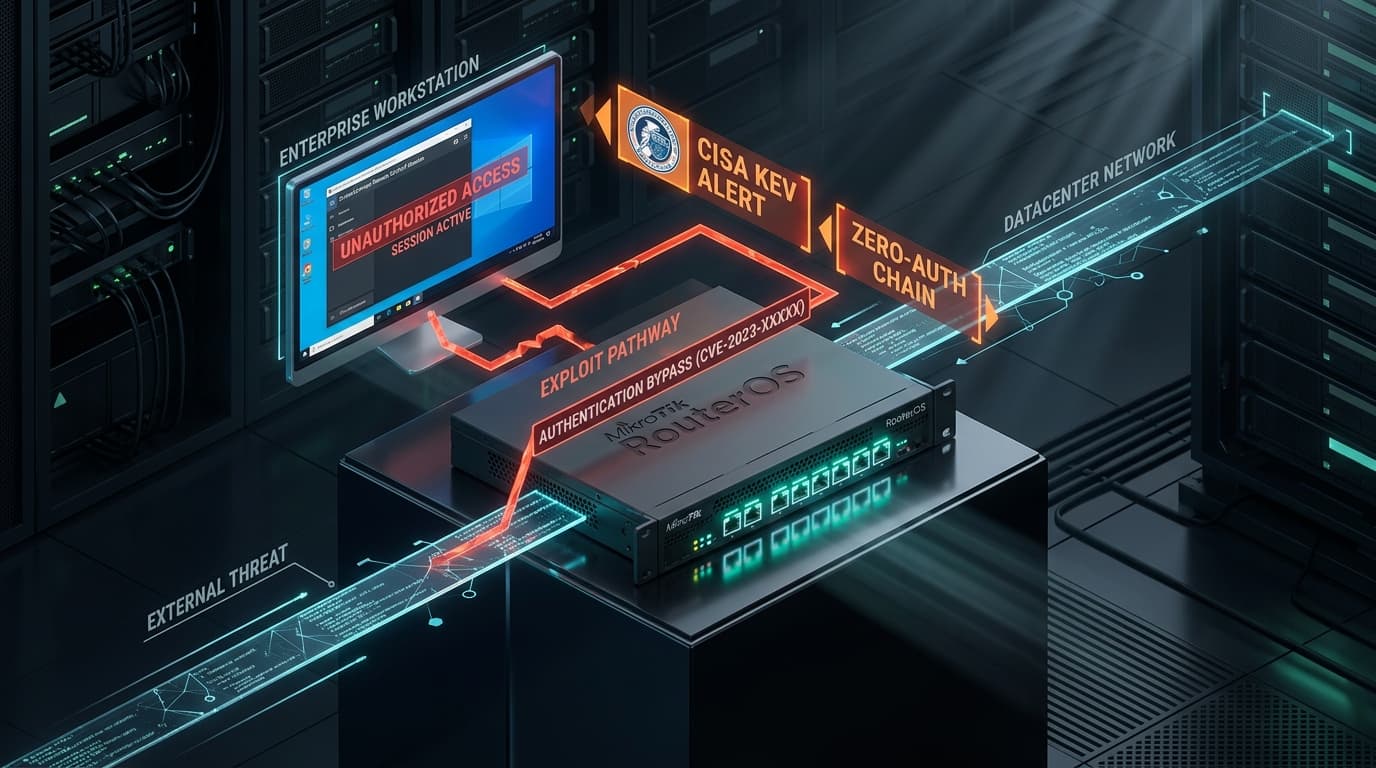
Organizations leverage SimpleHelp servers to manage hundreds or thousands of remote client computers, execute background administrative tasks, deploy software installations, and provide on-demand remote desktop troubleshooting. Because SimpleHelp servers maintain persistent, outbound-initiated management tunnels with client endpoints located inside firewalled enterprise perimeters, compromising the central SimpleHelp server provides threat actors with an unhindered, bi-directional pathway into corporate networks without triggering traditional inbound firewall alarms.
Technical Root Cause & Session Bypass Mechanics
SimpleHelp operates an embedded HTTP/HTTPS server handling both web browser administration consoles and client agent WebSocket connections. In vulnerable releases prior to the security update, the authentication filter evaluated incoming session tokens across administrative REST endpoints beneath /technician/ and /api/v1/management/.
The vulnerability occurs due to improper state handling in the session token validation logic when parsing requests containing specific custom headers. An unauthenticated remote attacker can transmit an HTTP POST request containing a crafted X-SimpleHelp-Tunnel-Auth header or manipulated session cookie:
POST /technician/api/sessions/create HTTP/1.1
Host: support.enterprise.corp
User-Agent: Mozilla/5.0 (Windows NT 10.0; Win64; x64)
Content-Type: application/json
X-SimpleHelp-Internal-Session: 00000000-0000-0000-0000-000000000000
Content-Length: 128

{
  "action": "elevate_technician",
  "username": "sec_audit_root",
  "permissions": ["FULL_CONTROL", "DEPLOY_TOOLS", "REMOTE_ACCESS"]
}
Because the session validator treated the hardcoded zeroed-UUID token as a pre-authenticated internal communication channel from the localhost daemon, the access controller bypassed the password check and generated a valid, high-privilege technician session cookie. The attacker can then log into the technician console with complete administrative authority.
Campaign Activity: From Server Compromise to Enterprise Fleet Takeover
In-the-wild threat telemetry reveals that ransomware syndicates and access brokers actively weaponize CVE-2026-48558 to achieve rapid enterprise-wide lateral movement:
- Remote Session Hijacking: Adversaries connect silently to active remote support sessions, observing user screens and capturing entered passwords and two-factor authentication tokens.
- Fleet-Wide Tool Deployment: Using SimpleHelp's "Toolbox" and background execution features, attackers push batch scripts and executable payloads to all connected client computers simultaneously. These tools run with
SYSTEMprivileges on Windows machines androoton macOS/Linux endpoints. - Credential Dumping & Active Directory Reconnaissance: Attackers deploy tools like Mimikatz or customized LSASS dumpers to endpoints, harvesting enterprise domain credentials and establishing secondary C2 persistence channels before security analysts detect the intrusion.
Defensive Playbook & Hardening Procedures
Administrators running self-hosted SimpleHelp infrastructure must execute the following remediation protocols immediately:
1. Immediate SimpleHelp Server Upgrade
Download and install the official security release from the SimpleHelp customer portal. The update eliminates the internal session bypass logic, enforces cryptographically signed session tokens across all administrative handlers, and rejects unauthenticated technician elevation requests.
2. Restrict Web Management Console Access
Isolate the SimpleHelp technician portal from the public internet. Ensure that ports 80, 443, and 8008 are accessible only through corporate VPN tunnels or authorized static IP whitelists:
# Nginx reverse proxy configuration to restrict technician console access
location /technician {
    allow 10.100.0.0/16;   # Allow internal corporate VPN
    allow 198.51.100.42;    # Allow corporate static gateway
    deny all;               # Deny all public internet traffic
    proxy_pass http://localhost:8008;
}
3. Audit Connected Client Machines & Active Sessions
Examine SimpleHelp audit logs for unauthorized technician logins and inspect the Toolbox execution history:
# Search SimpleHelp server logs for unauthorized technician sessions
grep "Technician Login" /opt/simplehelp/logs/server.log | grep -v "authorized_corp_ips"

# Review recent Toolbox script executions
grep "Tool Executed" /opt/simplehelp/logs/server.log
4. Enforce Multi-Factor Authentication (MFA)
Enable mandatory multi-factor authentication (TOTP or Duo) for all technician and administrator accounts within SimpleHelp settings.