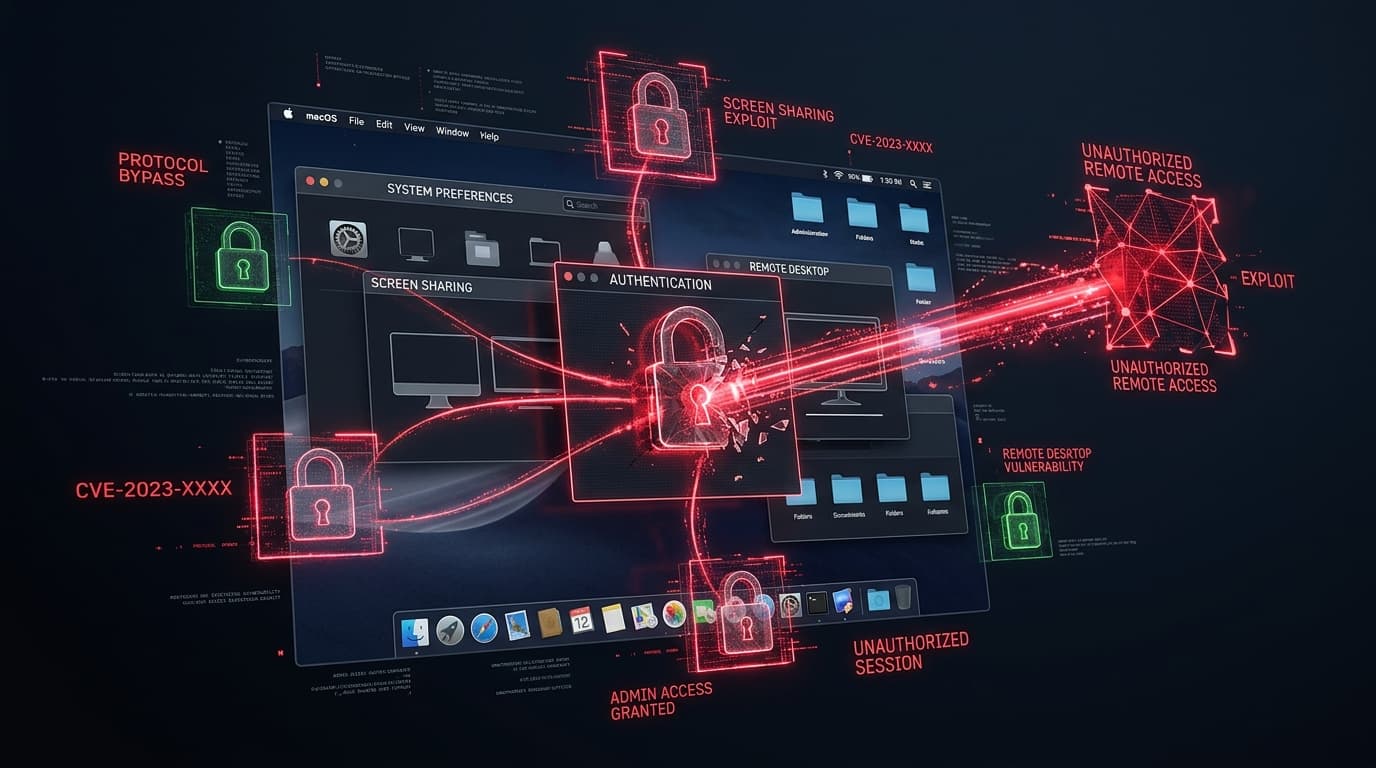
The Cybersecurity and Infrastructure Security Agency (CISA) has issued an operational alert adding CVE-2026-65400 to its Known Exploited Vulnerabilities catalog. The critical security defect impacts Apple macOS, specifically the built-in Screen Sharing service and Apple Remote Desktop (ARD) agent utilized by corporate IT teams for fleet administration.
Rated with a CVSS v3.1 base score of 9.8 (CVSS:3.1/AV:N/AC:L/PR:N/UI:N/S:U/C:H/I:H/A:H), the vulnerability permits an attacker on the same local network or across routable enterprise subnets to bypass authentication challenges completely, establish a remote graphical desktop session, and interact with the workstation GUI as the logged-in user without entering a password.
Vulnerability Mechanics: State Desynchronization in VNC Auth Handshake
The flaw is categorized under CWE-287: Improper Authentication and originates within the macOS screensharingd daemon during the negotiation of authentication protocols over TCP port 5900:
- Initial Handshake Negotiation: When a remote client initiates a connection to an enabled Screen Sharing service, the daemon presents a list of supported authentication types (such as Diffie-Hellman, Kerberos, or standard Apple VNC authentication).
- Authentication State Confusion: By transmitting a specially formatted packet that aborts the cryptographic key exchange while simultaneously requesting session initialization, an adversary triggers an unhandled state transition.
- Bypass Verification Gate: The daemon misinterprets the aborted handshake as an approved pre-authenticated session from a trusted local IPC process, granting the remote client full interactive mouse and keyboard control over the active user desktop.
In modern enterprise environments, macOS endpoints often house developer signing keys, terminal sessions to cloud production environments, and password managers. An unauthenticated Screen Sharing bypass allows threat actors to physically see and control the target computer as if sitting at the keyboard.
Affected macOS Operating System Releases
| macOS Release Platform | Vulnerable Versions | Remediated Update | Remediation Status |
|---|---|---|---|
| macOS Sequoia (15.x) | Versions prior to 15.1 | macOS Sequoia 15.1 or later | Emergency Directive Action Required |
| macOS Sonoma (14.x) | Versions prior to 14.7.1 | macOS Sonoma 14.7.1 | Emergency Directive Action Required |
| macOS Ventura (13.x) | Versions prior to 13.7.1 | macOS Ventura 13.7.1 | Emergency Directive Action Required |
Detection, Audit & Hardening Commands
Mac system administrators and Mobile Device Management (MDM) engineers should execute the following verification steps across managed macOS fleets:
# Check if Screen Sharing or Remote Management is currently enabled
sudo launchctl list | grep -iE "screensharing|ARD"

# Verify active listening status on TCP port 5900
netstat -an | grep 5900 | grep LISTEN

# Audit unified log entries for unexpected screensharingd authentication events
log show --predicate 'process == "screensharingd"' --last 24h | grep -iE "connect|auth|session"
Recommended Defensive Playbook
- Deploy Apple Updates via MDM: Enforce mandatory software updates across all managed Apple devices to macOS 15.1, 14.7.1, or 13.7.1 using automated MDM configuration profiles.
- Disable Screen Sharing Where Unnecessary: For end-user laptops and non-administrative workstations, disable Screen Sharing and Remote Management in System Settings:
sudo launchctl unload -w /System/Library/LaunchDaemons/com.apple.screensharing.plist - Restrict Port 5900 Traffic: At corporate network firewalls, block inbound TCP port 5900 across user subnets, permitting remote desktop traffic strictly from designated IT support jump boxes.