Executive Lead: Operational Technology Risk in Modern Building Management Platforms
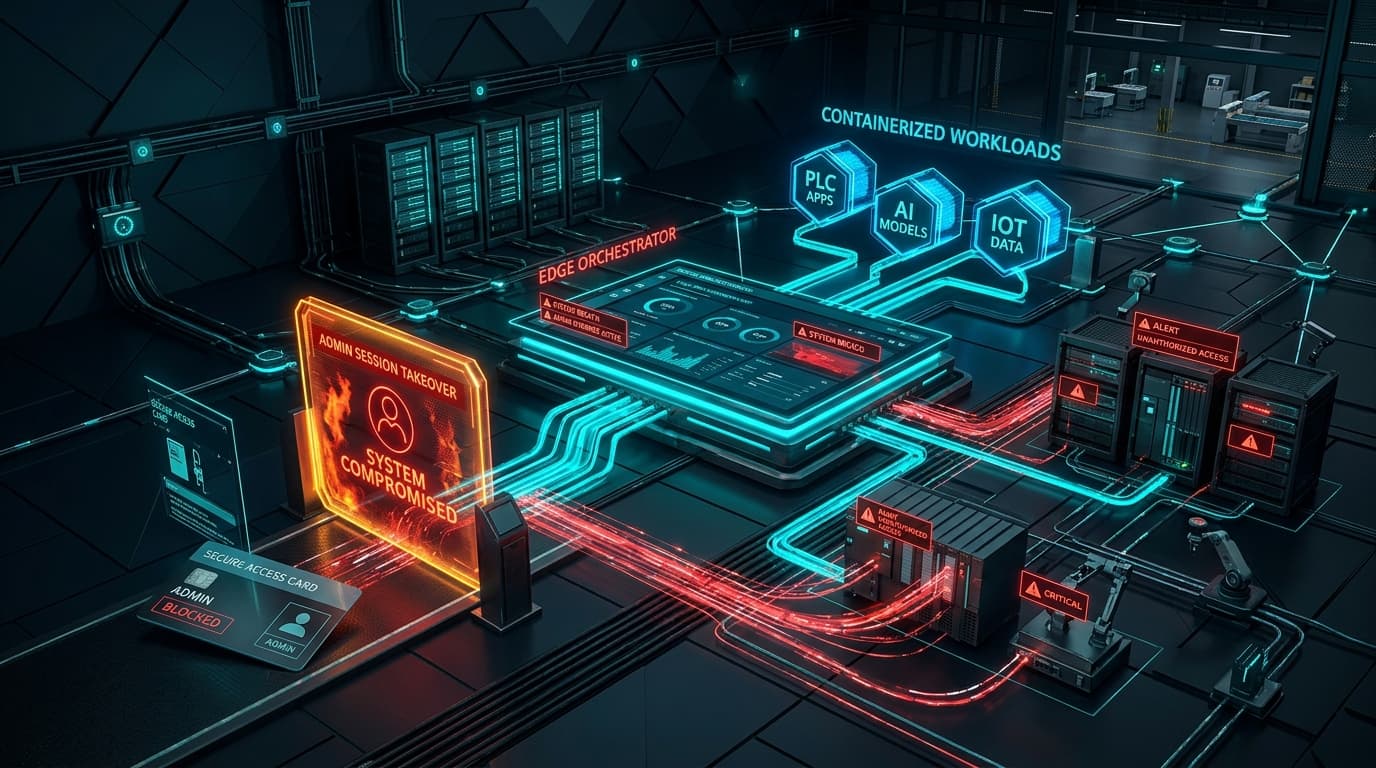
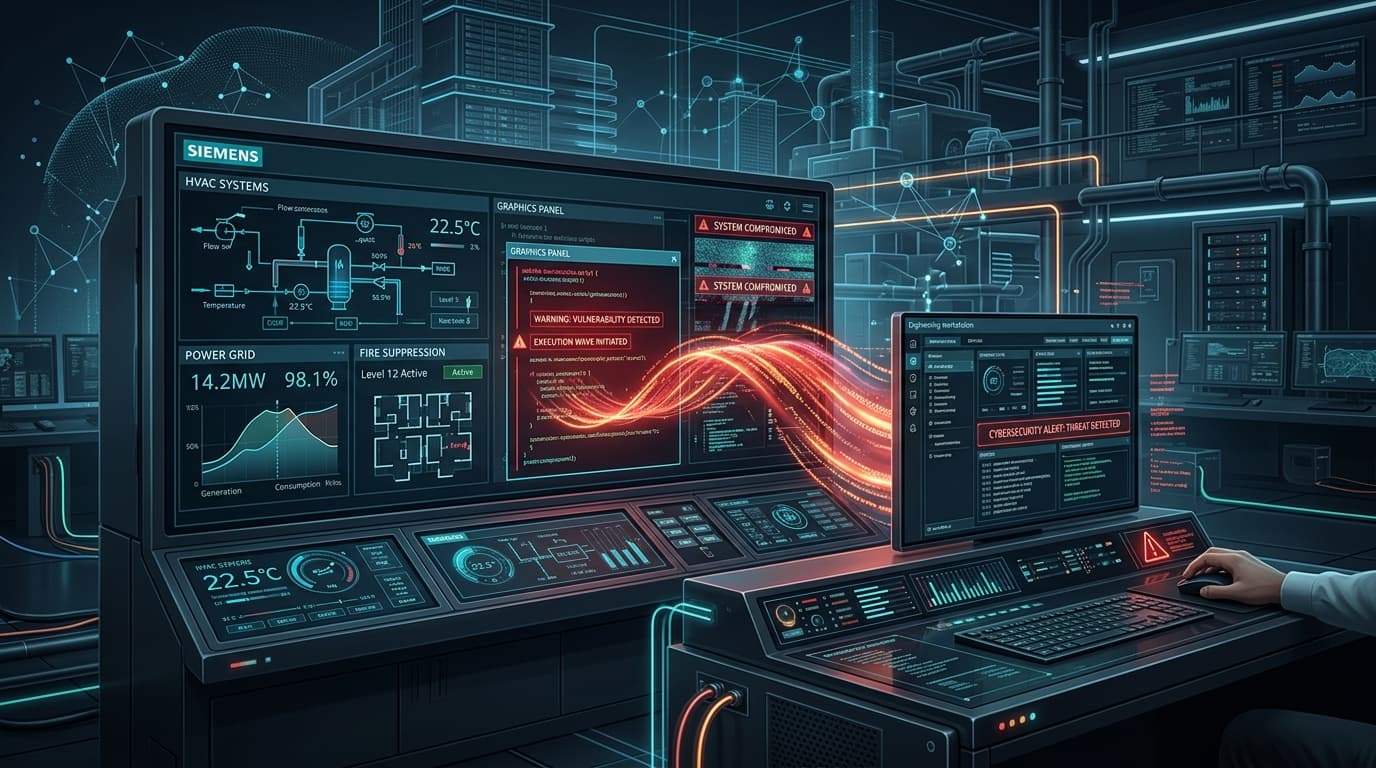
Siemens ProductCERT has issued a critical operational technology (OT) security advisory, SSA-330084, addressing a high-severity script injection vulnerability cataloged as CVE-2026-34223 in the Siemens Desigo CC building automation and management station. Desigo CC is widely deployed across critical infrastructure sectors—including international airports, acute care healthcare networks, government administrative complexes, data centers, and pharmaceutical manufacturing facilities—to integrate HVAC, fire safety, life safety, electrical power distribution, and physical access control systems into a centralized supervisory glass pane.
The flaw, assigned a CVSS v3.1 base score of 8.2 High, stems from improper input validation when the Desigo CC engineering client parses custom graphic schematics, vector diagrams, and dynamic plant floor plans. A remote threat actor can weaponize a graphic document to execute arbitrary scripts and system commands on an operator workstation, breaching the Purdue Enterprise Reference Architecture (PERA) Level 2/3 supervisory boundary and exposing field automation networks (BACnet/IP, Modbus TCP, LonWorks) to unauthorized physical manipulation.
Root Cause Analysis: Graphic Scripting Engine Deserialization
Desigo CC workstations display rich graphic views of facility subsystems, such as air handling units (AHUs), chilled water loops, and emergency smoke damper configurations. These interfaces are authored as graphic files (typically bearing the .ccg extension) combining XML definitions, vector assets, dynamic object bindings, and VBScript/JavaScript automation routines.
When an operator opens a project or renders an updated graphic template from a shared project server, the Desigo CC client runtime executes a parser to bind graphic elements to live OPC UA and BACnet data points. Due to insufficient input filtering and the lack of script execution sandboxing:
- Unsanitized Tag Processing: The parser failed to sanitize dynamic scripting tags and event attributes embedded within custom vector shapes.
- COM Object Invocation: Embedded scripts are evaluated within the full context of the host Windows process (
Gms.Graphics.Client.exe), allowing direct instantiation of arbitrary Windows Script Host COM objects (such asWScript.ShellorScripting.FileSystemObject). - Project Import Vulnerability: Graphic files loaded from untrusted network shares, engineering contractor thumb drives, or compromised project repositories execute immediately upon render without prompting the operator for confirmation.
Attack Scenario: From Phishing / File Drop to Physical Facility Disruption
In industrial cyber campaigns, targeting building management systems (BMS) allows threat actors to bridge the gap between IT networks and physical building operations:
| Stage | Attacker Methodology | Target Component | Consequence |
|---|---|---|---|
| 1. Ingress & Delivery | Spearphishes facility engineer with trojanized architectural project archive or compromises vendor share. | Engineering Laptop / Share | Plant schematic file (.ccg) placed in Desigo CC project path. |
| 2. Execution | Operator opens floor layout or graphic updates in Desigo CC Client. | Graphics Client Parser | Embedded script triggers COM object execution; bypasses client sandbox. |
| 3. Host Foothold | Script executes PowerShell stager to establish reverse C2 shell. | Supervisory Workstation (Level 2/3) | Attacker obtains operator credentials and active OPC UA / BACnet sessions. |
| 4. OT Field Manipulation | Sends spoofed BACnet commands to field controllers (Level 1). | DDC Controllers / PLCs | Tampering with server room cooling setpoints, fire dampers, or access locks. |
Affected Software & Patch Availability Matrix
Siemens has released service packs and hotfixes across affected Desigo CC product lines:
| Product | Vulnerable Versions | Remediation Version / Patch |
|---|---|---|
| Desigo CC v6.0 | All versions prior to v6.0 SP1 | Update to Desigo CC v6.0 SP1 |
| Desigo CC v7.0 | All versions prior to v7.0 HF2 | Apply Hotfix 2 (v7.0 HF2) |
| Cerberus DMS | All versions prior to v7.0 HF2 | Apply Hotfix 2 (v7.0 HF2) |
Defensive Playbook & IEC 62443 Compliance Controls
1. Patch Application Procedure
Apply the corresponding Siemens service pack or hotfix from the Siemens Industry Mall or Siemens Global Customer Care portal:
# Verify current Desigo CC build via PowerShell on engineering station
Get-ItemProperty "HKLM:SoftwareSiemensDesigoCCCurrentVersion" | Select-Object Version, ServicePack, Hotfix
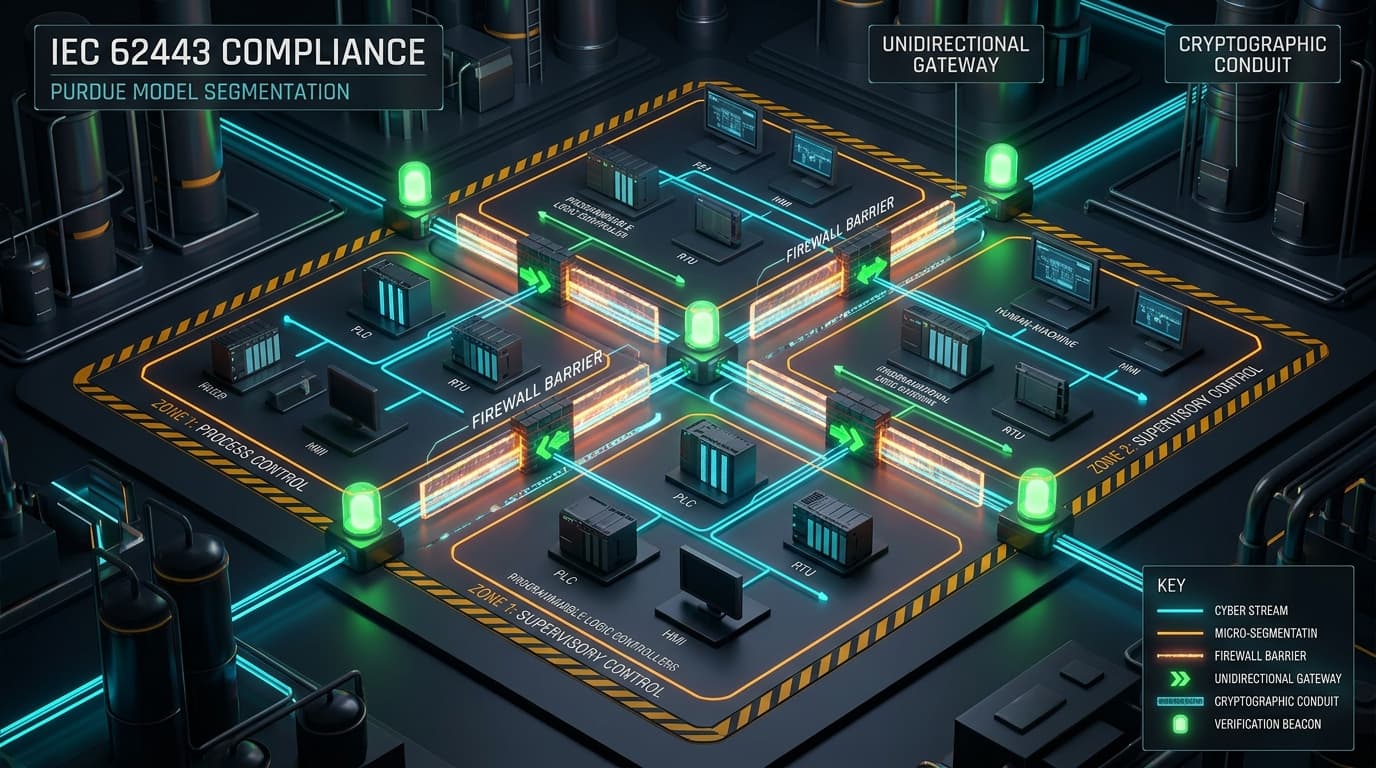
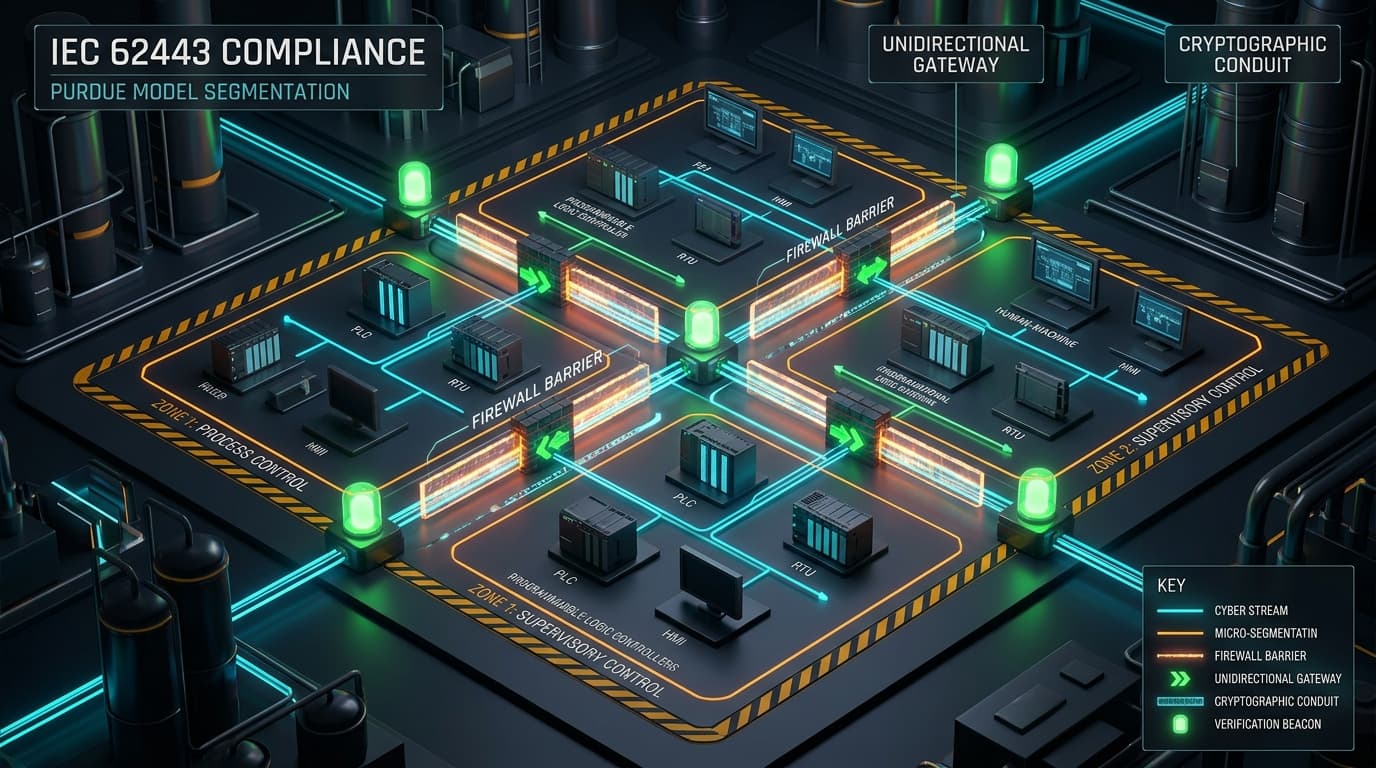
2. IEC 62443-3-2 Zones and Conduits Segmentation
Strictly segregate the Building Automation Network (BAN) from general corporate IT networks. Ensure supervisory stations communicate with field devices over dedicated VLANs with stateful inspection:
- Block outbound internet connectivity from Desigo CC client and server machines.
- Restrict network traffic between the corporate enterprise zone and the OT supervisory zone to dedicated jump hosts with MFA.
- Disable network access to SMB file shares from untrusted corporate subnets into Desigo CC project directories.
3. Windows Endpoint Hardening via AppLocker
Deploy Windows AppLocker or WDAC (Windows Defender Application Control) rules on Desigo CC workstations to prevent supervisory processes from spawning interactive command shells:
# AppLocker / Attack Surface Reduction (ASR) policy guidance
# Block child process creation from Desigo CC client executable
Rule: Block process creation
Parent Process: Gms.Graphics.Client.exe
Child Processes: powershell.exe, cmd.exe, wscript.exe, cscript.exe, mshta.exe
4. File Integrity Monitoring (FIM)
Implement file integrity monitoring on graphic document repositories:
# Monitor Desigo CC graphics project directory for unexpected changes
Audit-FIM -Path "C:GMSProjects*Graphics" -FileFilter "*.ccg,*.svg,*.xml" -AlertOnModify -AlertOnCreate