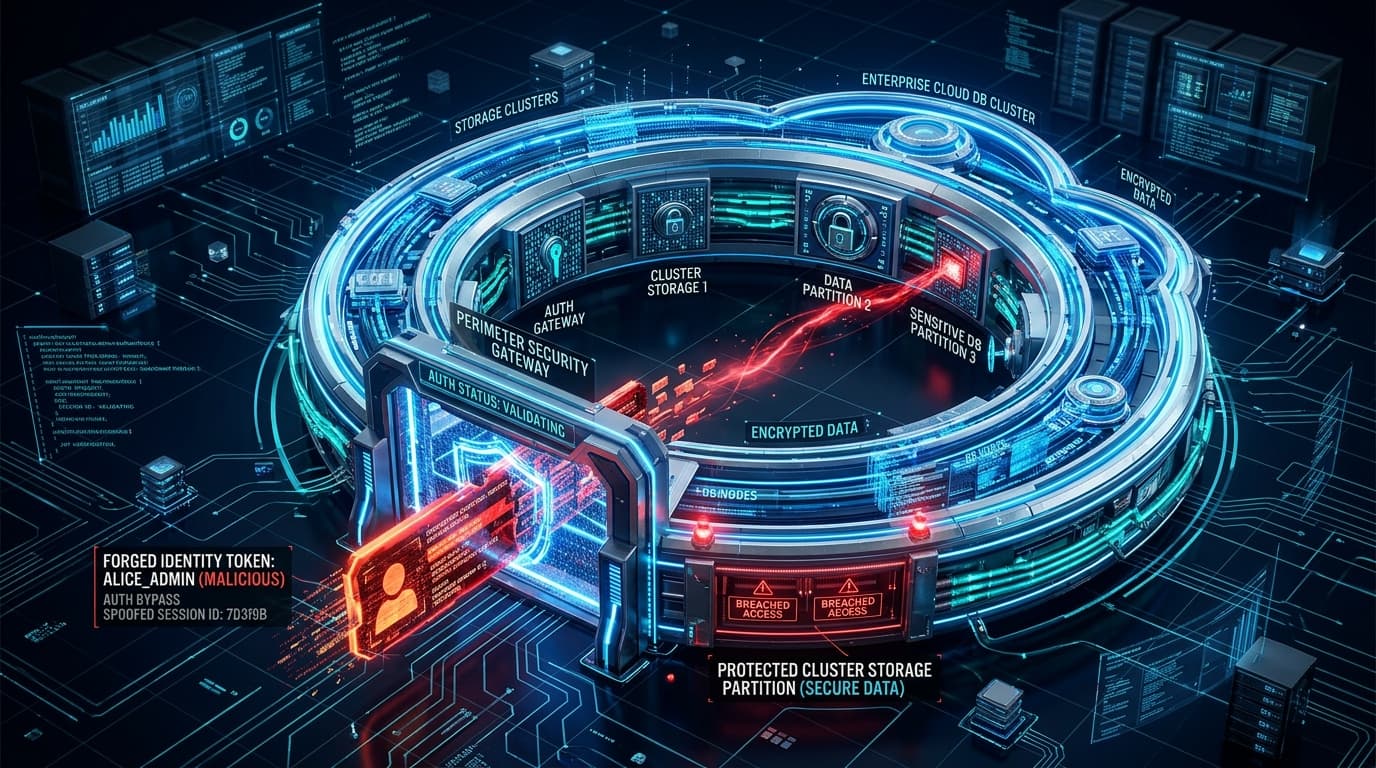
The Microsoft Security Response Center (MSRC) has released an urgent security update resolving a high-severity local privilege escalation vulnerability (CVE-2026-42830, CVSS 7.8) affecting the Azure Monitor Agent (AMA) Windows Metrics Extension. The flaw enables authenticated low-privileged users or compromised workload identities on Azure virtual machines and hybrid Azure Arc nodes to hijack dynamic link library resolution and execute arbitrary code with NT AUTHORITY\SYSTEM privileges.
Architectural Breakdown: Untrusted Search Path in AMA Metrics Telemetry
The Azure Monitor Agent serves as the centralized observability pipeline across Azure VM workloads, Azure Kubernetes Service (AKS) nodes, and on-premises hybrid servers managed via Azure Arc. The daemon runs under the high-privilege LocalSystem account to collect performance counters, ETW events, and custom metric streams.
According to MSRC security telemetry and architectural audits, the vulnerability originates in the metrics collection pipeline (MetricsExtension.exe). When initializing diagnostic provider plugins and performance counter helper binaries, the process attempted to resolve auxiliary dynamic link libraries using an unquoted, relative execution search path before querying the trusted %SystemRoot%\System32 hierarchy.
Because the agent operates with legacy backward-compatibility flags across custom application data folders located in %ProgramData%\Microsoft\AzureMonitorAgent, low-privileged local users with default write permissions in shared staging subdirectories could place a malicious DLL (e.g., telemetry_shim.dll) that intercepted execution upon the next scheduled metrics sampling interval.
Exploitation Mechanism & Root Cause (CWE-426)
The flaw is categorized under CWE-426: Untrusted Search Path. The vulnerable extension failed to enforce safe DLL search mode (SetDefaultDllDirectories(LOAD_LIBRARY_SEARCH_SYSTEM32)) prior to calling LoadLibraryExW.
// Vulnerable Execution Flow in MetricsExtension.exe
HMODULE hPlugin = LoadLibraryExW(
    L"telemetry_collector_hook.dll", // Relative path without directory pinning
    NULL,
    0 // Missing LOAD_LIBRARY_SEARCH_SYSTEM32 flag
);

if (!hPlugin) {
    // Falls back to evaluating current working directory and user-writable staging paths
    hPlugin = LoadLibraryW(L"telemetry_collector_hook.dll");
}
When an unprivileged attacker planted a weaponized proxy dynamic library matching the requested export signatures, the service loaded the malicious payload directly into memory under the NT AUTHORITY\SYSTEM security context, bypassing Windows Defender Application Control (WDAC) user-mode constraints.
Technical Impact and Attack Vector Analysis
| Security Parameter | Vulnerability Specification |
|---|---|
| CVE Identifier | CVE-2026-42830 |
| Common Weakness Enumeration | CWE-426 (Untrusted Search Path) / CWE-732 (Incorrect Permission Assignment) |
| CVSS v3.1 Score | 7.8 (High) - CVSS:3.1/AV:L/AC:L/PR:L/UI:N/S:U/C:H/I:H/A:H |
| Affected Components | Azure Monitor Windows Agent < v1.34.0, Azure Arc Connected Machine Agent |
| Exploitation Preconditions | Local authenticated access or low-privileged service account compromise on the host VM |
| Remediation Status | Automatic update for cloud-managed VMs; manual patch required for disconnected Arc environments |
Defensive Playbook & Mitigation Directives
Cloud security operations and enterprise infrastructure teams should immediately verify agent deployment versions and implement directory ACL hardening:
1. Automated Extension Upgrade Verification
Execute the following Azure CLI query to identify any virtual machines running outdated Azure Monitor Agent extension versions across enterprise subscriptions:
# Query Azure Virtual Machines for outdated Azure Monitor Agent extension builds
az vm extension list   --resource-group Production-Workloads   --vm-name Core-App-VM01   --query "[?name=='AzureMonitorWindowsAgent'].{Version:typeHandlerVersion, State:provisioningState}"   -o table
2. Directory Permissions Hardening for Hybrid Arc Servers
For enterprise endpoints and hybrid hosts disconnected from automated Azure update rings, inspect the permissions on the Azure Monitor Agent directory to prevent standard users from writing arbitrary DLLs:
# PowerShell: Restrict write access on AMA staging directory
$AclPath = "C:\ProgramData\Microsoft\AzureMonitorAgent"
$Acl = Get-Acl -Path $AclPath
$Rule = New-Object System.Security.AccessControl.FileSystemAccessRule("Users", "Write", "Deny")
$Acl.AddAccessRule($Rule)
Set-Acl -Path $AclPath -AclObject $Acl
3. Enforce Safe Process Creation & Event Auditing
Monitor Microsoft-Windows-Sysmon Event ID 7 (Image Loaded) for DLL loads occurring from %ProgramData% or temporary paths executed by MetricsExtension.exe.