India’s national cybersecurity agency, the Indian Computer Emergency Response Team (CERT-In), has issued an urgent vulnerability and threat advisory, CIAD-2026-0038, warning citizens, financial institutions, and enterprise mobile users against an aggressive smishing campaign circulating across Indian mobile networks.
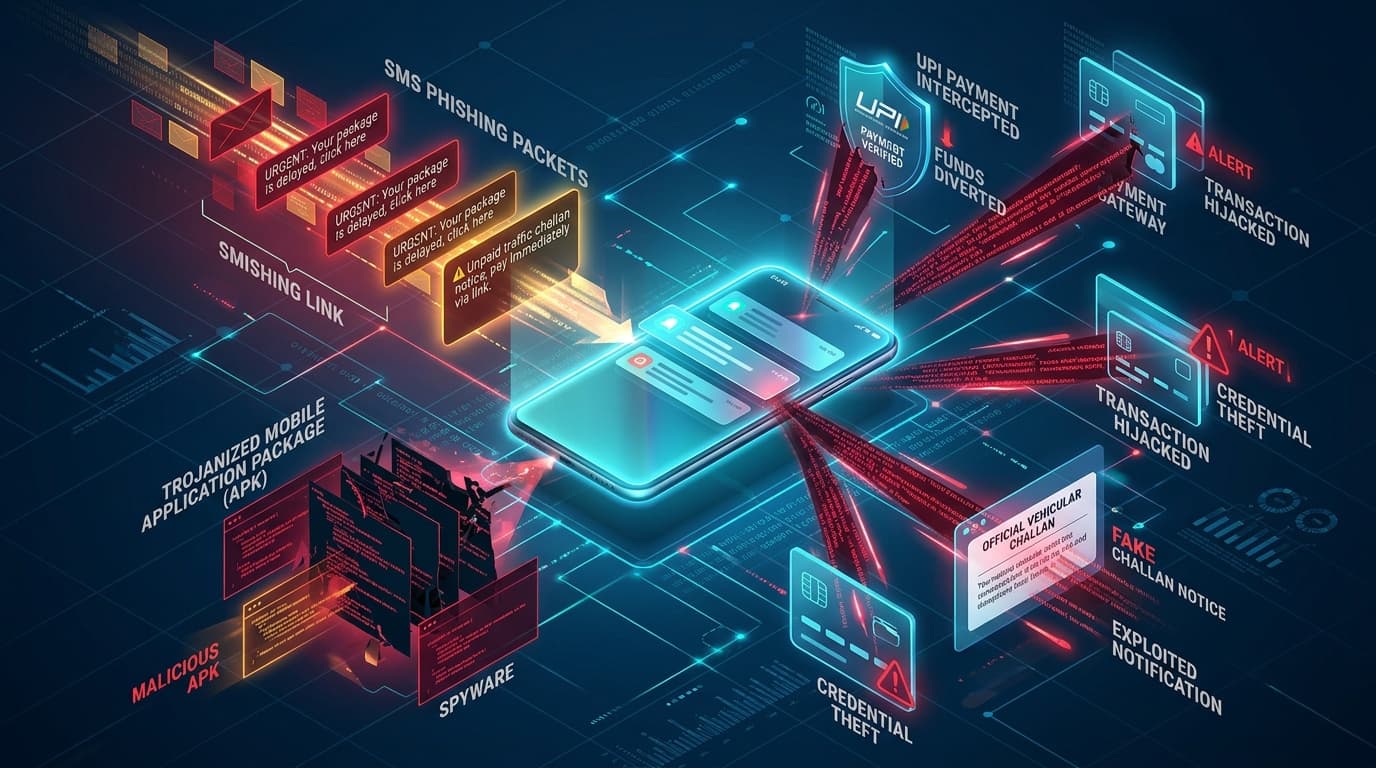
The malicious campaign leverages fear-inducing SMS messages impersonating state traffic police departments and the Ministry of Road Transport and Highways (MoRTH) Parivahan Sewa portal. Victims are informed of immediate legal action, court warrants, or vehicle impoundments due to overdue traffic e-challans unless settled through an attached link.
Attack Vector & Infection Lifecycle
According to CERT-In’s threat telemetry analysis, the operators use bulk SMS messaging gateways with deceptive alphanumeric sender headers such as XX-ECHALN, HP-TRAFIC, and VM-GOVPAY to bypass initial suspicion.
The multi-stage infection sequence proceeds as follows:
- Social Engineering Lure: The SMS contains urgent text such as: "Your vehicle MH-12-XX-XXXX has an unpaid challan of Rs 1,500. Court summons generated. Pay within 24h to avoid warrant: [shortened link]."
- Sideloading Bypass: The link resolves to an attacker-controlled landing page meticulously cloned to look like the official Parivahan e-challan website. Instead of processing a web transaction, the portal prompts the victim to download and install an APK file named
Parivahan_eChallan_v3.apkorTrafficChallan_Pay.apk. - Accessibility Service Hijacking: Upon installation, the application requests access to Android Accessibility Services and SMS permissions under the pretense of "verifying vehicle registration details."
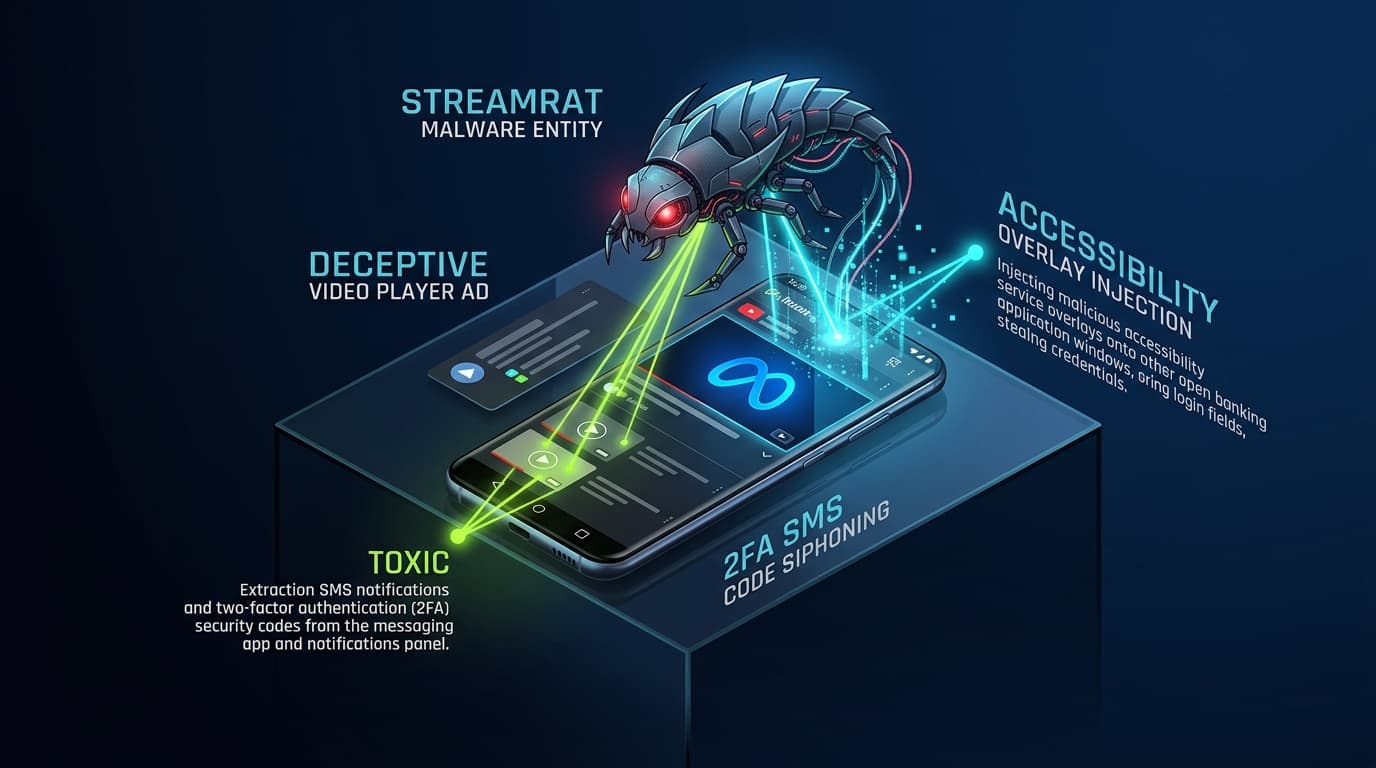
- Credential Theft & Automated Fraud: Once permissions are granted, the malware executes keylogging routines, monitors foreground financial applications, intercepts incoming two-factor authentication (2FA) SMS codes, and dynamically injects overlay screens over popular Unified Payments Interface (UPI) applications (Google Pay, PhonePe, Paytm).
By hijacking Accessibility Services, modern Android banking trojans don't just steal passwords—they interact with the screen in real-time, approving fraudulent fund transfers before the victim realizes their device is compromised.
Indicators of Compromise (IoCs)
| Indicator Type | Value / Pattern | Associated Threat Behavior |
|---|---|---|
| Malicious Domain | echallan-parivahan-gov[.]in-pay[.]live | Phishing intake and malicious APK distribution |
| Malicious Domain | traffic-challan-status[.]online | Credential harvesting and C2 reporting |
| APK SHA-256 Hash | 9f82a1c0d4e3b7a5...81c2d3e4f5 | Parivahan masquerading trojan dropper |
| Malware Package Name | com.traffic.challan.service | Accessibility-abusing background banking interceptor |
CERT-In Remediation & Safety Directives
CERT-In and law enforcement agencies advise the public and enterprise security operations centers to enforce the following defensive measures:
- Never Sideload Applications: Never download or install APK files delivered via SMS, WhatsApp, or third-party web links. Official government services will never request users to sideload software outside the Google Play Store.
- Verify Challans Directly: Check vehicular challans exclusively through the official Ministry portal at
https://echallan.parivahan.gov.inor official state police portals. - Audit Device Permissions: Regularly inspect device settings under
Settings > Accessibility > Downloaded Appsand immediately revoke permissions for any unrecognized services. - Report Financial Cybercrime: In the event of unauthorized financial transactions, victims should report immediately to the National Cyber Crime Reporting Portal (cybercrime.gov.in) or dial the national cyber fraud helpline 1930 to initiate a rapid banking freeze.