Executive Lead: Privilege Escalation Flaws in Critical Industrial Redundancy Systems
The Cybersecurity and Infrastructure Security Agency (CISA) has published industrial advisory ICSA-26-244-02, alongside coordinated security bulletins from Rockwell Automation, detailing multiple high-severity local privilege escalation vulnerabilities in the Redundancy Module Configuration Tool (RMCT). Cataloged as CVE-2026-9634 and CVE-2026-9633, the vulnerabilities carry a Common Vulnerability Scoring System (CVSS v3.1) base score of 7.8 (CVSS:3.1/AV:L/AC:L/PR:L/UI:R/S:U/C:H/I:H/A:H).
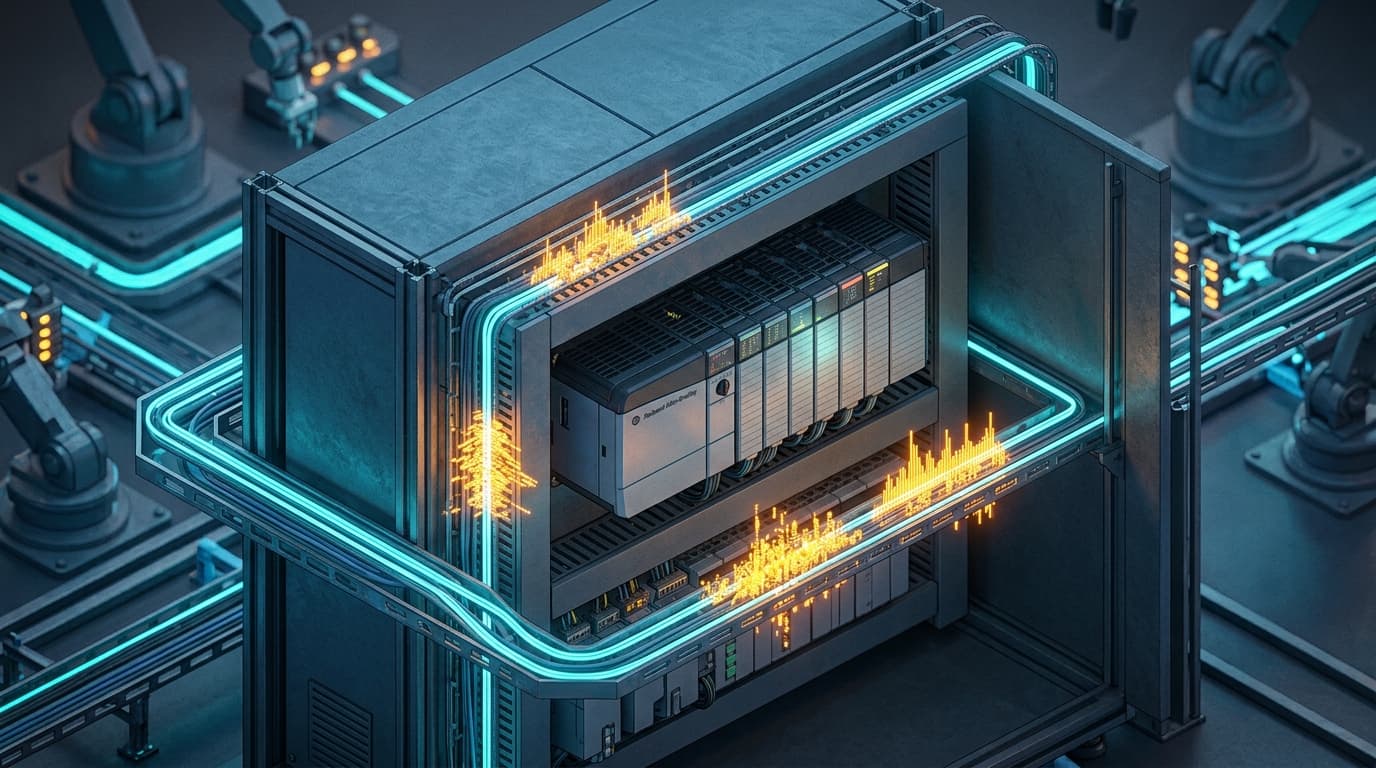
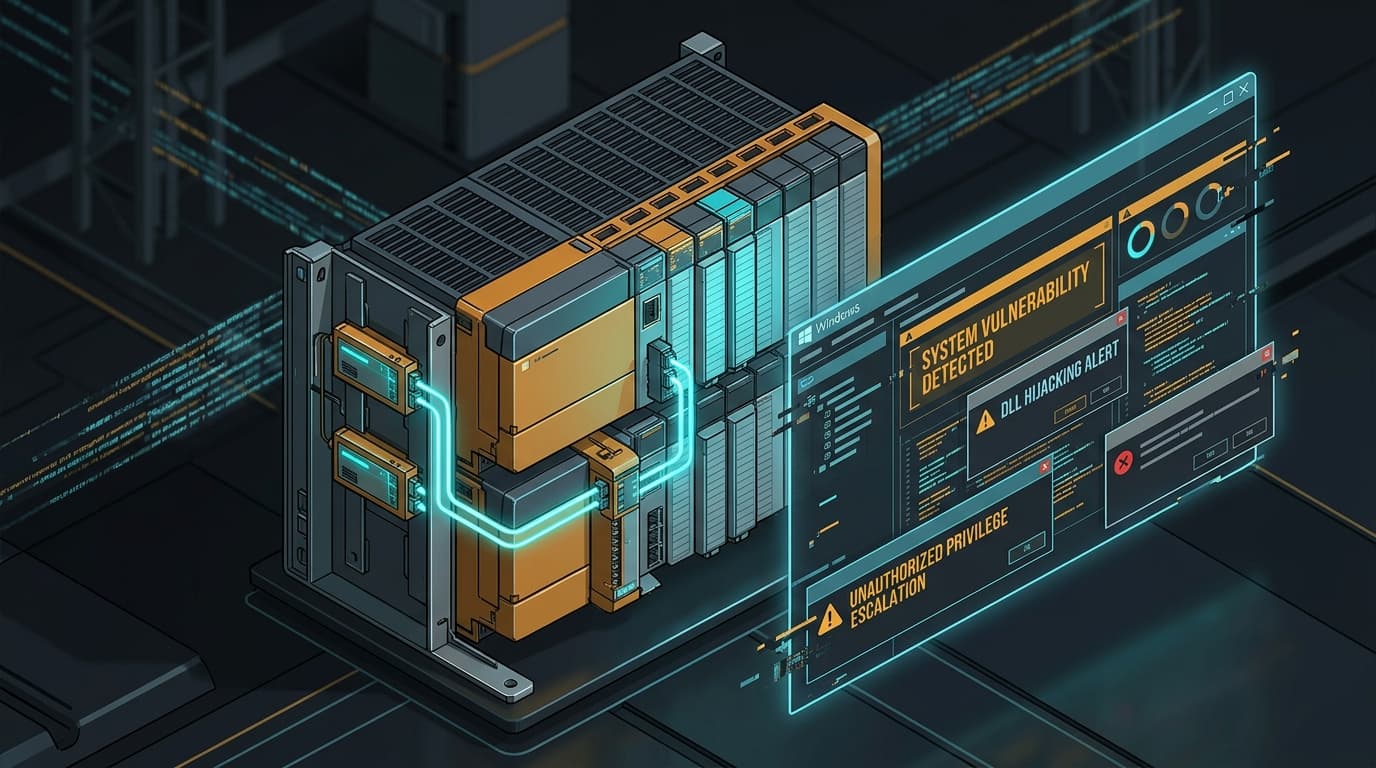
The Redundancy Module Configuration Tool is an essential engineering utility deployed on industrial operator workstations, SCADA servers, and engineering laptops across manufacturing facilities, chemical plants, and municipal water treatment plants. It configures and monitors 1756 ControlLogix Redundancy Modules (1756-RM, 1756-RM2), which provide seamless cross-chassis failover and fault tolerance for mission-critical programmable logic controllers (PLCs). By exploiting these vulnerabilities, an attacker who has gained unprivileged access to an engineering workstation can plant a malicious Dynamic-Link Library (DLL) that is automatically executed with Administrator or NT AUTHORITY\SYSTEM privileges whenever a legitimate control engineer launches the tool.
Technical Root Cause & CWE-427 Dissection: Insecure DLL Search Order Hijacking
The primary defect, classified under CWE-427: Uncontrolled Search Path Element ('DLL Preloading'), stems from how the primary executable (RMConfigTool.exe) dynamically loads auxiliary shared libraries upon startup. When invoking Windows API routines such as LoadLibrary() or LoadLibraryEx() without the LOAD_LIBRARY_SEARCH_SYSTEM32 flag, the operating system defaults to the standard dynamic-link library search order:
- The directory from which the application loaded.
- The system directory (
C:\Windows\System32). - The 16-bit system directory.
- The Windows directory (
C:\Windows). - The current working directory (CWD).
- Directories listed in the system
PATHenvironment variable.
// Vulnerable Library Initialization in RMConfigTool.exe
HINSTANCE hModule = LoadLibrary("RMX_TelemetryHelper.dll");
if (hModule == NULL) {
    // Falls back to searching through current working directory or user-writable paths
    hModule = LoadLibraryEx("RMX_TelemetryHelper.dll", NULL, 0);
}
In industrial workstation environments, the default installation directory for Rockwell utilities—or shared project folders where engineering files reside—often contains overly permissive discretionary access control lists (DACLs), allowing members of the BUILTIN\Users group to write files:
- Insecure Default Permissions (CWE-276): Because the installation path permits unprivileged file creation, an attacker with low-privilege domain user access or an active initial foothold places a crafted DLL named
RMX_TelemetryHelper.dllinto the application directory or a shared network folder. - Privilege Hijack Execution: When a senior automation engineer or plant operator launches
RMConfigTool.exewith elevated UAC privileges, the application loads the attacker's DLL before querying secure system directories. - DLLMain Payload Execution: The malicious DLL executes its payload within the
DLL_PROCESS_ATTACHroutine under the elevated security context of the invoking administrator, granting the attacker persistent administrative control over the workstation.
Impact on Operational Technology & IEC 62443 Security Boundaries
Engineering workstations (EWS) are the crown jewels of industrial automation networks under the Purdue Enterprise Reference Architecture (PERA), operating within Level 2 (Supervisory Control) and Level 3 (Operations Management). Compromise of an EWS carries catastrophic implications for physical processes:
- ControlLogix Redundancy Sabotage: By obtaining administrative privileges, an attacker can modify redundancy synchronization parameters, inject malicious firmware updates into 1756-RM2 modules, or force primary controllers into fault states, causing sudden, uncontrolled shutdowns of critical production lines.
- PLC Logic Tampering: With full control over the engineering workstation, an attacker can tamper with Studio 5000 Logix Designer project files, modifying safety interlocks and valve limits without operator awareness.
- Lateral Pivoting to OT DMZ: Workstations running RMCT frequently possess dual-homed network connections to both the corporate business network and isolated industrial Ethernet/IP (CIP) networks, providing attackers with an ideal pivot point into air-gapped automation layers.
Affected Software Versions & Upgrade Matrix
| Product | Vulnerable Versions | Fixed Release | Availability |
|---|---|---|---|
| Redundancy Module Configuration Tool (RMCT) | v9.00.00 through v10.00.00 | v10.01.00 | Available via Rockwell Automation Compatibility & Downloads Portal |
| ControlLogix Redundancy Bundles | Bundles using RMCT <= 10.00.00 | Update to Bundle incorporating RMCT 10.01.00 | Rockwell Automation Customer Support Center |
Remediation Playbook: Securing Engineering Workstations
1. Immediate Upgrade to RMCT Version 10.01.00
Industrial asset owners must download and install the official Rockwell Automation patch v10.01.00. The updated binary explicitly specifies absolute paths when loading external libraries and enforces the LOAD_LIBRARY_SEARCH_SYSTEM32 flag:
# Check current installed RMCT version via PowerShell
(Get-Item "C:\Program Files (x86)\Rockwell Software\Redundancy Module Configuration Tool\RMConfigTool.exe").VersionInfo.FileVersion
# If version is <= 10.00.00, execute silent unattended patch installer
Start-Process -FilePath "RMCT_Setup_10.01.00.exe" -ArgumentList "/quiet /norestart" -Wait
2. Restrict Directory Permissions via Windows icacls
Ensure that standard users cannot write files or drop binaries into the application directory or system PATH locations:
# Remove write and modify permissions for standard Users on application folder
icacls "C:\Program Files (x86)\Rockwell Software\Redundancy Module Configuration Tool" /deny "BUILTIN\Users:(W,D,WDAC)"
3. Enforce Microsoft AppLocker / Software Restriction Policies
Deploy Windows Defender Application Control (WDAC) or AppLocker policies across all engineering workstations to forbid DLL execution from user-writable directories, restricting DLL loading strictly to signed binaries residing in C:\Windows and C:\Program Files.
Forensic Indicators & Telemetry
| Telemetry Artifact | Log Location | Indicator / Signature |
|---|---|---|
| Windows Security Event Log (ID 4663) | Workstation Security Log | Unprivileged user creating .dll files in Rockwell Software directories |
| Sysmon Event ID 7 (Image Loaded) | Microsoft-Windows-Sysmon/Operational |
RMConfigTool.exe loading unsigned DLLs or DLLs from paths outside System32 |
| Process Execution Anomaly | EDR / CrowdStrike / Defender | Spawning of cmd.exe, powershell.exe, or network connections originating from RMConfigTool.exe |