Supply chain attacks against package registries have moved from occasional to routine: 59 campaigns and 657 malicious packages tracked across 2026, with credential theft the objective in essentially every case. Cloud keys, SSH keys, Kubernetes secrets and environment variables are the consistent targets.
This is a practitioner checklist, ordered by impact. The first three items deliver the majority of the risk reduction available.
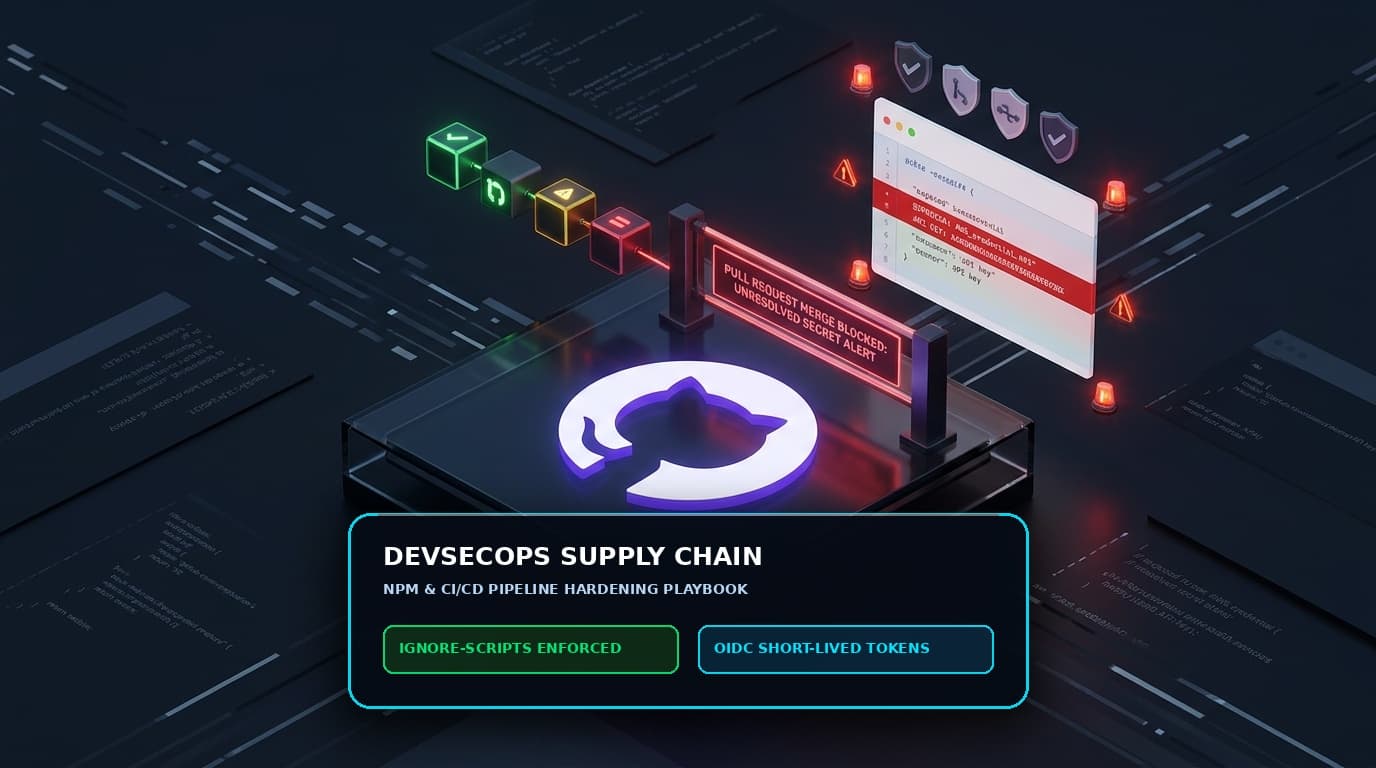
1. Disable lifecycle scripts in CI
Most malicious npm packages execute their payload through preinstall, install or postinstall hooks that run automatically at install time. Removing that execution path defeats the majority of these packages outright.
npm ci --ignore-scriptsEnforce it repository-wide by committing an .npmrc:
ignore-scripts=trueSome packages genuinely need build scripts — native modules in particular. Handle those explicitly rather than re-enabling scripts globally: run the required build step for the specific package as a separate, reviewed command, or use a pre-built binary.
2. Eliminate long-lived credentials in CI
This is the highest-value item on the list. A payload that harvests static cloud access keys gets durable access to your cloud account. A payload that harvests a short-lived OIDC token gets something scoped to one repository that expires in minutes.
Configure workload identity federation with your cloud provider so CI authenticates by exchanging a signed identity token for temporary credentials. GitHub Actions, GitLab CI and most modern platforms support this natively.
# GitHub Actions with AWS OIDC — no static keys anywhere
permissions:
  id-token: write
  contents: read

steps:
  - uses: aws-actions/configure-aws-credentials@v4
    with:
      role-to-assume: arn:aws:iam::123456789012:role/ci-deploy
      aws-region: eu-west-1
Then audit for and delete every static key still sitting in CI secrets. They accumulate quietly, and the ones nobody remembers creating are the ones nobody rotates.
3. Restrict egress from build runners
Build runners need to reach your source control, your package registries and your artefact store. They do not need arbitrary internet access. An egress allowlist means that even when malicious code executes successfully, the exfiltration attempt fails — and produces a log entry you can alert on.
Self-hosted runners can enforce this at the network layer. Several hosted CI platforms now offer egress policy natively; enable it if available.
4. Pin dependencies and enforce lockfiles
Always use npm ci in automated pipelines, never npm install. npm ci installs exactly what the lockfile specifies and fails if the lockfile and package.json disagree.
Commit package-lock.json. Treat lockfile changes in pull requests as security-relevant — an unexplained diff adding transitive dependencies deserves a look.
For maximum assurance, enable integrity verification so installs fail if a package's hash does not match what the lockfile records.
5. Add a version cooldown
Malicious releases are typically detected and removed within hours to days. A policy that refuses to adopt any package version published less than 72 hours ago eliminates most of the exposure window at almost no cost.
Several registry proxies and dependency update tools support this. If you use Renovate:
{
  "packageRules": [
    { "matchDatasources": ["npm"], "minimumReleaseAge": "3 days" }
  ]
}
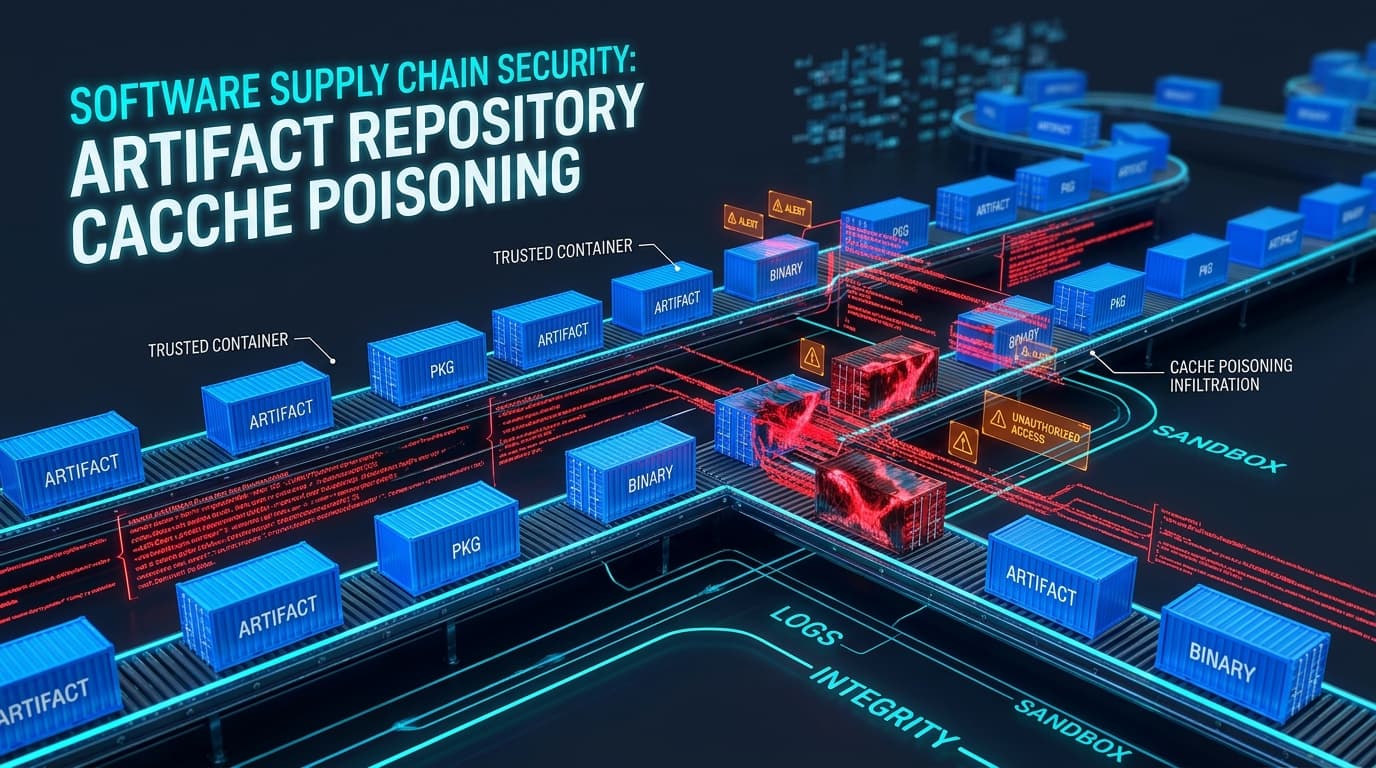
6. Use a private registry proxy
Routing all package installs through a proxy such as Artifactory, Nexus or Verdaccio gives you:
- A single control point for blocking known-malicious packages.
- Caching, so an upstream removal does not break your builds.
- An audit trail of exactly what was pulled and when.
- The ability to enforce cooldown and allowlist policies centrally.
Note that the proxy itself becomes critical infrastructure — CVE-2026-82329 in JFrog Artifactory is a reminder that it needs the same patching discipline and access control as any other tier-zero system.
7. Lock down publishing
If your organisation publishes packages:
- Require 2FA for all publish operations, enforced at the organisation level.
- Use granular access tokens scoped to specific packages, never organisation-wide tokens.
- Publish only from CI using trusted publishing / provenance, so no human holds a long-lived publish token.
- Enable npm provenance so consumers can verify a package was built from the source it claims.
- Audit existing tokens and revoke everything not actively required.
npm publish --provenance --access public8. Scan for secrets, before and after
Run secret scanning on every commit and in CI. Tools like gitleaks or your platform's native scanning catch credentials before they are committed. Equally important: scan for secrets that are already in history — they are still valid until rotated.
9. Isolate builds from each other
Each build should run in a fresh, ephemeral environment. Persistent runners accumulate state, and a compromise in one build can reach the next. If you use self-hosted runners, ensure they are destroyed and recreated between jobs.
10. Know your dependency tree
Generate an SBOM for every build and store it with the artefact. When the next compromised package is announced, the difference between "we can answer that in five minutes" and "we will need a week to find out" is whether you have this.
npm sbom --sbom-format cyclonedx > sbom.jsonIncident checklist
If a package you depend on is announced as compromised:
- Determine whether the affected version was ever installed — check lockfiles and SBOMs across branches, not just main.
- Identify every environment where an install ran during the exposure window, including developer machines.
- Rotate every credential present in those environments. All of them, not the ones you think were exposed.
- Review cloud audit logs for unusual API activity from the exposure window onward.
- Check your own published packages for unauthorised versions.
- Pin to a known-good version and rebuild from a clean environment.
Where to start
If you can only do one thing this week, do item 1 — ignore-scripts in CI. It takes an hour and removes the execution path for most of this attack class. Then work on item 2, which takes longer but removes the reward.