Perimeter Vulnerability: SSL-VPN Gateways Exploited for Initial Access
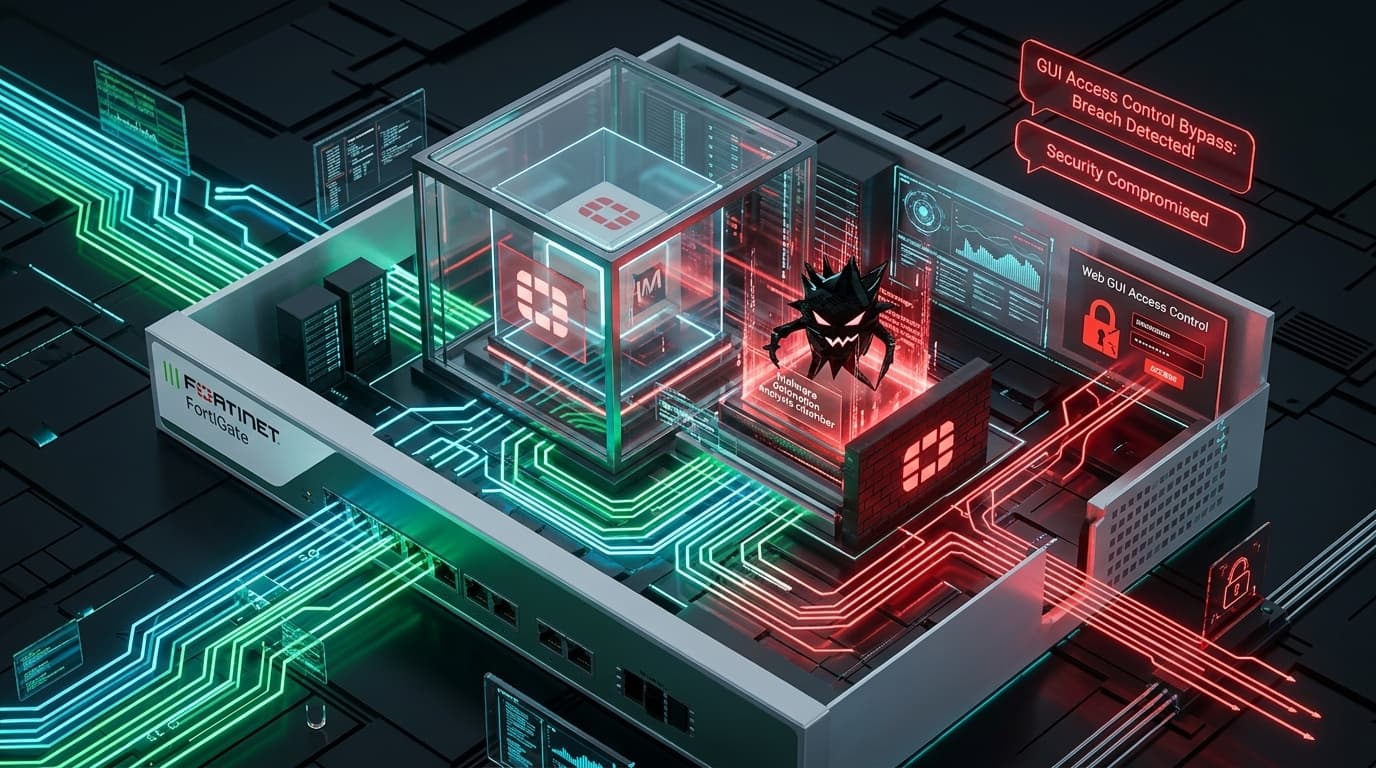
The Cybersecurity and Infrastructure Security Agency (CISA) has designated CVE-2025-68686 as an actively exploited vulnerability in enterprise perimeter environments. The flaw impacts Fortinet FortiOS and FortiProxy appliances operating SSL-VPN services. Carrying a CVSS score of 8.6 / 9.1 (High), the vulnerability allows unauthenticated remote threat actors to extract sensitive memory artifacts—including active session cookies, usernames, and authentication credentials—directly from the gateway interface.
Initial access brokers (IABs) and state-sponsored espionage units routinely prioritize perimeter VPN vulnerabilities to establish covert footholds inside enterprise networks without tripping endpoint alarms.
Technical Mechanics: Out-of-Bounds Memory Reading
The flaw resides in the SSL-VPN web portal daemon (sslvpnd). When parsing specially crafted HTTP requests targeting authentication endpoints, an improper boundary validation logic in the URI handler allows memory beyond the allocated buffer to be included in the server’s HTTP response.
By dispatching sequential crafted requests, an attacker can leak fragments of uninitialized heap memory. In busy enterprise gateways handling hundreds of concurrent remote workers, this leaked memory frequently contains the session tokens (SVPNCOOKIE) of recently authenticated users.
| Parameter | Technical Specification |
|---|---|
| CVE Identifier | CVE-2025-68686 |
| CVSS v3.1 Score | 8.6 / 9.1 High (AV:N/AC:L/PR:N/UI:N/S:U/C:H/I:N/A:N) |
| CWE Classification | CWE-200: Exposure of Sensitive Information to an Unauthorized Actor |
| Affected Products | FortiOS 7.0.x, 7.2.x, 7.4.x (with SSL-VPN enabled) |
| Remediation Fix | Upgrade to FortiOS 7.2.9, 7.4.4, or newer |
| CISA Deadline | Mandatory remediation required for federal civilian agencies |
Adversary Exploitation & MFA Bypass
Threat actors exploit the stolen session tokens by injecting them directly into browser developer consoles, effectively bypassing secondary multi-factor authentication (MFA) prompts. Once authenticated to the VPN, the attacker receives a legitimate internal IP address on the corporate subnet, facilitating uninhibited reconnaissance and lateral movement against Active Directory domain controllers.
Actionable Defensive Playbook
Administrators operating FortiGate firewalls must execute the following remediation checklist:
1. Upgrade FortiOS Firmware
Upgrade all FortiGate appliances running vulnerable firmware to the recommended maintenance releases (FortiOS 7.2.9, 7.4.4, or 7.6.0).
2. Invalidate Active Sessions & Force Credential Resets
Following firmware upgrade, administrators must flush all existing SSL-VPN sessions to revoke any potentially compromised session tokens:
# Flush all active SSL-VPN tunnels via FortiOS CLI
diagnose vpn ssl mux-disconnect-all
diagnose vpn ssl session clear-all
3. Transition from SSL-VPN to IPsec or Zero-Trust Network Access (ZTNA)
Where feasible, disable the legacy web-mode SSL-VPN portal entirely and migrate remote access workers to IPsec IKEv2 tunnels or Fortinet ZTNA with client certificate validation:
# Disable SSL-VPN web portal in FortiOS CLI
config vpn ssl settings
    set status disable
end