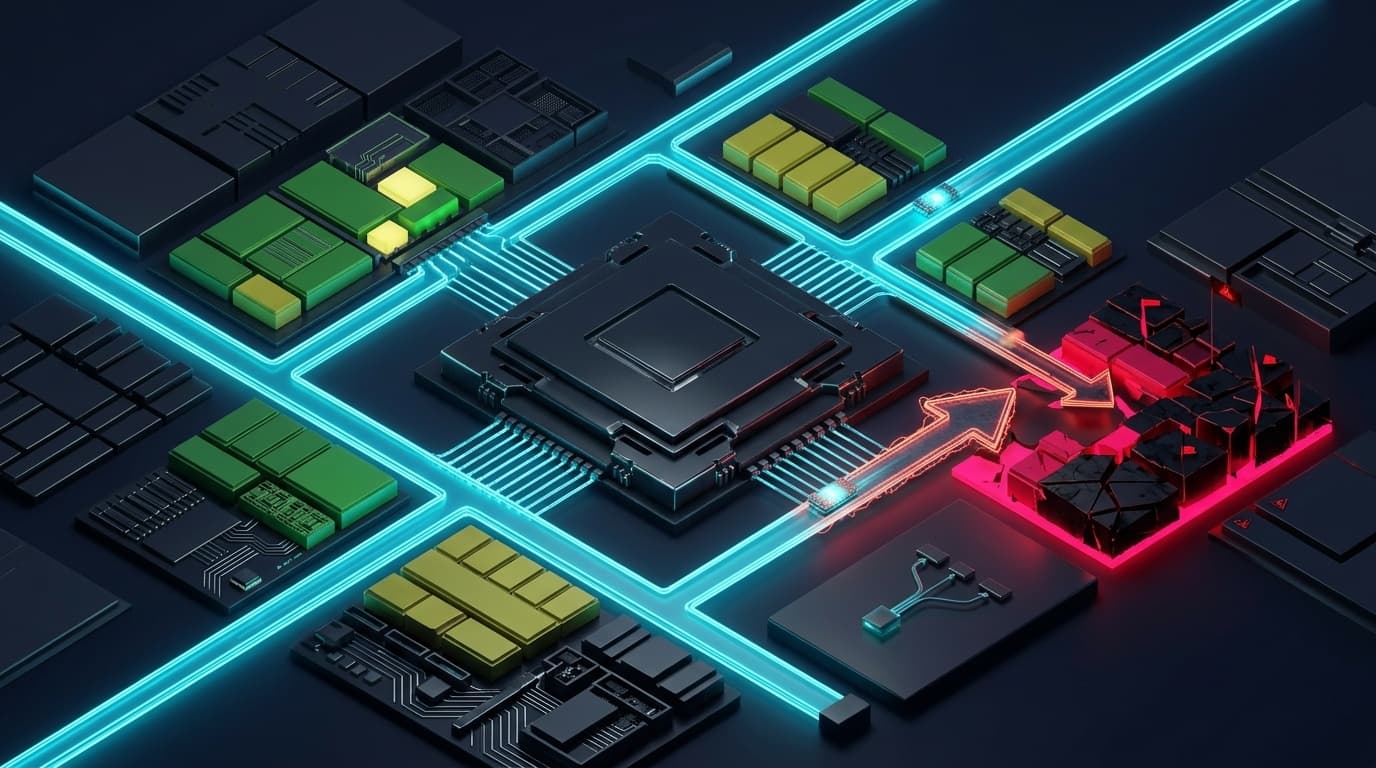
Microsoft has formally acknowledged an operational conflict within Windows 11 environments where printing capabilities become non-functional on systems operating Forcepoint Data Loss Prevention (DLP) endpoint software. The incompatibility emerged following the rollout and application of the cumulative November 2026 Windows 11 hotpatch update, designated under knowledge base identifier KB5132043. Impacted enterprise endpoints fail to complete standard print jobs, affecting local, network, and virtual print pipelines regulated by endpoint data-in-transit inspection mechanisms.
The incident highlights the complex relationship between lower-level operating system hotpatching mechanisms and enterprise endpoint security agents that maintain kernel-adjacent and user-mode file-system hooks. As organizations increasingly adopt rapid hotpatching architectures to deploy system improvements without full system reboots, deep third-party monitoring hooks can experience synchronization and interface mismatches.
Incident Overview and Scope of Disruption
According to advisory documentation released through official vendor disclosure channels, the disruption specifically targets endpoints that satisfy two co-occurring criteria: active operation of Forcepoint DLP endpoint monitoring modules and the presence of the KB5132043 hotpatch servicing layer on Windows 11. Endpoints running default Windows 11 configurations without the specific Forcepoint protection software have not exhibited the documented printing failures.
Forcepoint DLP solutions monitor, intercept, and enforce organization-defined policy constraints over data leaving corporate endpoints. Among the key exfiltration vectors supervised by DLP software is the local print subsystem, which routes document contents through spoolers, virtual PDF generators, and network printer queues. Following the deployment of hotpatch KB5132043, attempts to initiate print tasks within affected environments result in silent job termination, print queue deadlocks, or explicit operational errors.
| Component | Designation / Version Scope | Observed Operational State |
|---|---|---|
| Operating System Hotpatch | KB5132043 (November 2026) |
Applied Windows 11 servicing release introducing core platform hotpatching |
| Third-Party Software | Forcepoint DLP Endpoint Agent | Active policy enforcement on local and network printer subsystems |
| Subsystem Impacted | Windows Spooler / Print Core Services | Job processing failure, intercepted print stream drop, queue stall |
| Unaffected Environments | Standard Windows 11 (Non-Forcepoint) | Print operations execute normally without process interruptions |
Technical Context: Windows Hotpatching and DLP Interception
To contextualize the failure, it is essential to understand how Windows hotpatching alters running binaries. Hotpatching modifies the in-memory code of running operating system processes without necessitating an immediate endpoint restart. This mechanism injects modified instruction blocks directly into memory spaces allocated to shared dynamic link libraries (DLLs) and system services.
Endpoint data protection utilities rely on hook routines, driver callbacks, and API redirection to inspect memory buffers prior to releasing data payloads to physical hardware ports or network print sockets. When a print request is generated by an application (such as an office suite, browser, or enterprise ERP client), the call passes into the Windows print spooler architecture:
- GDI/XPS Print Processor Pipeline: The application converts document structures into spooler-readable page definition formats.
- DLP Hook Interception: The Forcepoint agent intercepts calls directed to print management functions to evaluate the payload against enterprise classification policies.
- Spooler Service Execution: The print spooler (
spoolsv.exe) coordinates delivery to the target printer driver or local port monitor.
With hotpatch KB5132043 modifying underlying core services, the memory offsets or signature structures anticipated by the Forcepoint DLP filter diverged from the in-memory state presented by the patched Windows 11 spooler components. As a result, the interception sequence stalls or experiences an unhandled assertion, blocking the completion of the document transfer.
Affected Deployments and Operational Impact
The operational impact is centered in enterprise environments that enforce continuous device and data governance. In such organizations, standard operating environments mandate strict DLP agent enforcement across all distributed laptop and desktop assets. Consequently, administrative rollout of the monthly cumulative hotpatch caused broad-scale interruptions across administrative, financial, and clinical facilities requiring physical hard-copy documentation.
Key symptoms reported across affected enterprise infrastructures include:
- Print jobs submitted to local physical printers remaining indefinitely in a spooling status before disappearing without error codes.
- Immediate application hangs when users invoke standard Windows print dialogues or select virtual print outputs.
- System event logs indicating communication timeouts or terminated thread handles associated with print spooler worker processes.
Practical Response and Enterprise Remediation
Enterprise infrastructure teams, security operations centers, and endpoint engineering personnel managing affected systems must establish structured remediation protocols to restore business functionality while retaining security posture.
1. Fleet Telemetry and Deployment Auditing
Organizations should immediately query their central endpoint management consoles (such as Microsoft Intune, SCCM, or equivalent configuration engines) to map all systems that have installed hotpatch KB5132043 concurrently with active Forcepoint DLP installations. Establishing this deployment baseline prevents unnecessary troubleshooting on unaffected device tiers.
2. Update Channel Monitoring
Systems administrators must closely follow official notices published through the Microsoft Security Advisory Portal and corresponding Forcepoint support channels. Vendor engineering teams routinely release targeted compatibility hotfixes, configuration revisions, or dynamic policy updates designed to align the agent hooks with updated system memory layouts.
3. Servicing Management Decisions
Where printing operations are deemed mission-critical to ongoing business operations, system administrators should evaluate temporary management strategies. These include pausing the phased rollout of KB5132043 to subsequent deployment rings until compatibility resolutions are verified in pre-production staging labs. Any temporary rollback or adjustment to endpoint configurations must be evaluated against overall organizational risk and compliance requirements.
What Remains Unknown
Several technical specifics regarding the root cause and permanent resolution timeline remain unconfirmed in public vendor documentation:
- The exact software build numbers or specific driver versions of the Forcepoint DLP client that exhibit the breakdown have not been completely enumerated across all historic releases.
- Whether the resolution will be delivered entirely via an out-of-band Microsoft Windows servicing update, an updated endpoint agent package from Forcepoint, or a synchronized dual-vendor release has not been formally specified.
- It remains unconfirmed whether specific virtual printer drivers (such as print-to-file or encrypted PDF export tools) are affected to the same degree as network-attached physical devices.
Organizations encountering print disruptions following the November 2026 hotpatch cycle should avoid implementing arbitrary manual registry changes or disabling security monitoring software, relying instead on official guidance released through verified vendor portals.